See llms.txt for all machine-readable content.

AWS DynamoDB and Telegram integration

Save yourself the work of writing custom integrations for AWS DynamoDB and Telegram and use n8n instead. Build adaptable and scalable Data & Storage, Development, workflows that work with your technology stack. All within a building experience you will love.

How to connect AWS DynamoDB and Telegram

Create a new workflow and add the first step

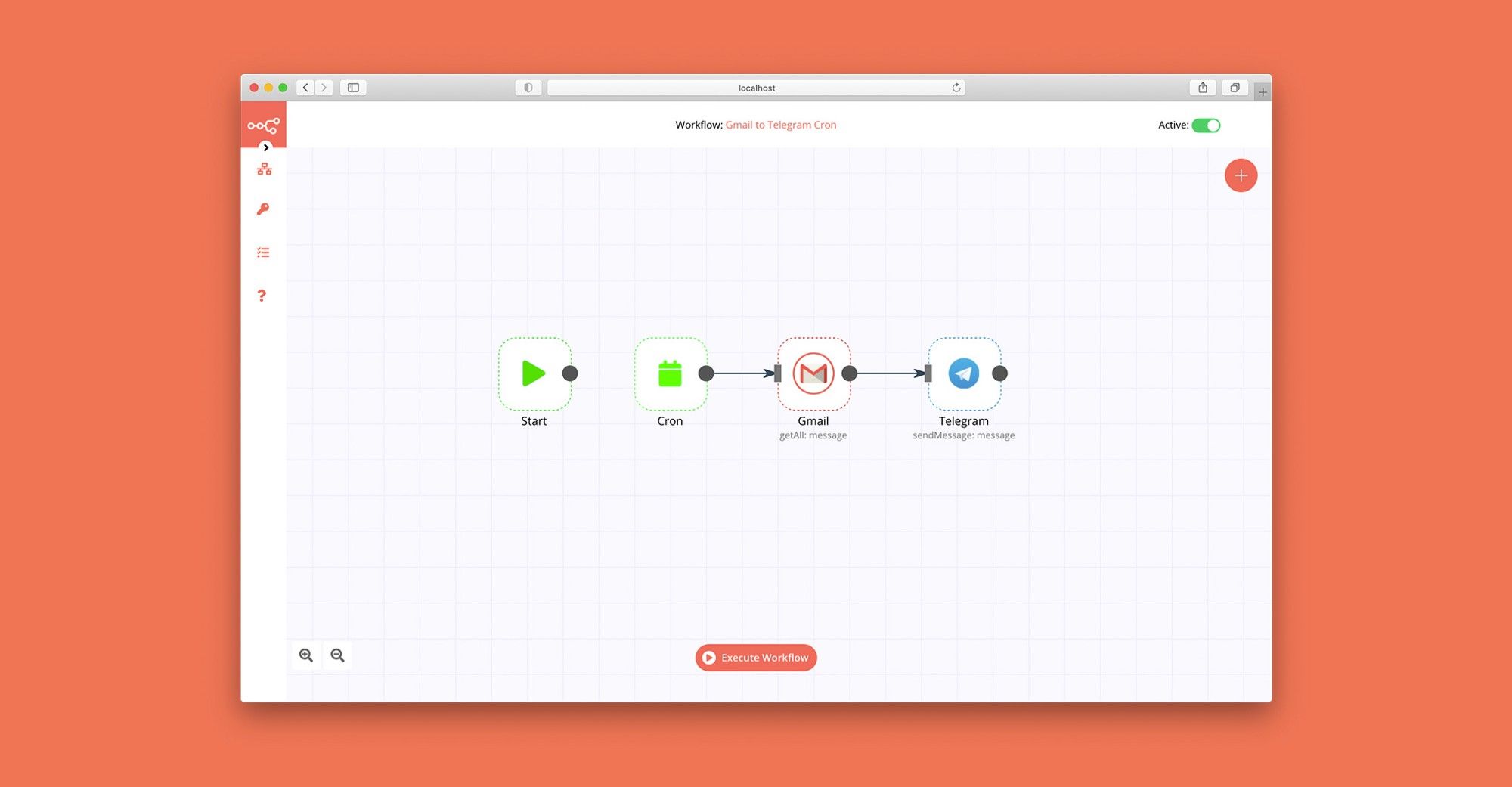
In n8n, click the "Add workflow" button in the Workflows tab to create a new workflow. Add the starting point – a trigger on when your workflow should run: an app event, a schedule, a webhook call, another workflow, an AI chat, or a manual trigger. Sometimes, the HTTP Request node might already serve as your starting point.

AWS DynamoDB and Telegram integration: Create a new workflow and add the first step

Generate SEO-optimized blog content with Google Gemini, RSS feeds and Telegram

Workflow Objective This n8n workflow automates the entire content creation process by monitoring specified RSS feeds for new articles. It then leverages Google Gemini AI to generate comprehensive, SEO-optimized blog posts inspired by these articles, creates unique cover images, and distributes the final content as a JSON file to stakeholders via Telegram. The primary goal is to automate the end-to-end content pipeline, saving significant time and ensuring a consistent output of high-quality content. Step-by-Step Breakdown Monitor News Sources (RSS Triggers): The workflow is triggered periodically (e.g., hourly, weekly) by multiple RSS Feed nodes that monitor sources like "Search Engine Journal" and "Tech Crunch" for new publications. Prevent Duplicate Content (Deduplication): For each new article fetched from the RSS feeds, the workflow checks an AWS DynamoDB database to see if the article's URL has been processed before. If the link already exists in the database, the process for that item is halted, and a debug notification is sent to Telegram via the "Telegram Debugger" node. This prevents the generation of duplicate content. AI-Powered Content Generation (Gemini Content Generation): If the article is new, its link is passed to a Google Gemini node. Using a highly detailed and structured prompt, Gemini generates a complete blog post in a specific JSON format. This output includes a title, meta description, SEO-friendly slug, a descriptive prompt for generating a cover image, and the full markdown body of the article (including an introduction, subheadings, conclusion, FAQ section, etc.). Data Cleaning and Parsing (JSON Parser): The raw text response from the AI is processed by a "Code" node. This custom script cleans the output—removing markdown code blocks, fixing potential syntax errors—and reliably parses it into a valid JSON object, ensuring the data is clean for subsequent steps. Image Generation and Cloud Storage: The image_generation_prompt from the parsed JSON is sent to another Google Gemini node configured for image generation, creating a 1200x630 cover image for the blog post. The newly created image is renamed using the slug. Finally, the image is uploaded to a cloud storage service like Cloudflare R2. If the upload fails, an error message is sent to Telegram. Final Data Assembly and Distribution: The generated text content is merged with the URL of the uploaded image to create the final, complete blog post data object. This entire data structure is converted into a JSON file, named using the format [slug].json. In the final step, this JSON file is sent as a document to designated recipients User via the Telegram nodes. Technologies and Services Used Trigger: RSS Feed Reader Artificial Intelligence: Google Gemini (for both text and image generation) Database: AWS DynamoDB (for content deduplication) Cloud Storage: Cloudflare R2 (S3-compatible) Notification & Distribution: Telegram Data Processing: n8n's native nodes (Merge, If, Set, Code)

Popular ways to use the AWS DynamoDB and Telegram integration

Build your own AWS DynamoDB and Telegram integration

Create custom AWS DynamoDB and Telegram workflows by choosing triggers and actions. Nodes come with global operations and settings, as well as app-specific parameters that can be configured. You can also use the HTTP Request node to query data from any app or service with a REST API.

AWS DynamoDB supported actions

Telegram supported actions

AWS DynamoDB and Telegram integration details

AWS DynamoDB

AWS DynamoDB

AWS DynamoDB is an efficient NoSQL database, capable of running high-performance applications. It is utilized to develop software applications, create media metadata stores, deliver seamless retail experiences, and even scale gaming platforms.

Telegram

Telegram

Telegram is one of the fastest and most secured messaging apps on the market, connecting people via unique distributed network of data centers around the globe. You can create group chats up to 200,000 members, share large videos and documents of any type. It is completely free, and offers many unique features and options.
Save engineering resources

Reduce time spent on customer integrations, engineer faster POCs, keep your customer-specific functionality separate from product all without having to code.

Learn more

FAQ about AWS DynamoDB integrations

Need help setting up your AWS DynamoDB and Telegram integration?

Discover our latest community's recommendations and join the discussions about AWS DynamoDB and Telegram integration.

  • Trigi Digital

    Telegram Node Error connect ETIMEDOUT

    Trigi Digital

    Describe the problem/error/question I haved 2 n8n installation with same web server and config (Nothing different from firewall etc): n8n version 1.42.1 > No problem n8n version 1.46.0 > Upgrade from 1.44.1 and this is…

    Open topic
  • lg-n9n

    Error Due to Telegram API limitations, you can use just one Telegram trigger for each bot at a time

    lg-n9n

    Hello, i am hosting n8n local on a VPS. I am working on a workflow that starts with a telegram trigger. At first i created multiple telegram triggers until i got the following error Due to Telegram API limitations, you…

    Open topic
  • kingcatlite

    Telegram bot how to - (im still new)

    kingcatlite

    Hi there, this tool is very exciting and im currently having fun trying it out, especially about the possibility for it to make telegram integration and chatbot so i manage to make a simple telegram chatbot that can ans…

    Open topic
  • Sanders Röhling Immobilien

    Telegram AI Agent creates infinite loop by reacting to its own messages

    Sanders Röhling Immobilien

    I am building a Telegram AI agent in n8n to automatically communicate with tenants. The agent decides whether it can answer directly or needs to escalate the message to a team lead. My current workflow structure is: Te…

    Open topic
  • Sanders Röhling Immobilien

    Help: AI Agent with two Telegram tools either returns “Bad request” or sends no message at all

    Sanders Röhling Immobilien

    Hi everyone, I’m currently building a Telegram chatbot in n8n using the AI Agent node. The goal is to create a tenant support bot for property management. The planned logic is the following: The bot receives a messa…

    Open topic

Looking to integrate Slack and VirusTotal in your company?

Trusted by teams building smarter workflows.

Why

Why use n8n to integrate AWS DynamoDB with Telegram

Handle branching, merging and iteration easily. Pause your workflow to wait for external events.

Re-run single steps to test changes in no time. And pin your data to avoid generating trigger events every time you execute.

Your data is displayed alongside your settings, making edge cases easy to track down.

Use 1000+ workflow templates available from our core team and our community.

Copy and paste, easily import and export workflows.

Simple enough to 
understand + sophisticated 
enough to ship