See llms.txt for all machine-readable content.
Unlock the full potential of BeeL and n8n’s automation platform by connecting BeeL’s capabilities with over 1,000 apps, data sources, services, and n8n’s built-in AI features.
Need something that’s not covered yet?
Use n8n’s pre-authenticated HTTP Request node to create new connections, giving you the flexibility to build powerful automations on any stack.


Created by
BeeL
Last update
9 days ago
BeeL integration
is built and maintained by our partners at BeeL and verified by n8n. That means it’s solid, safe, and ready to help you tap into some great capabilities.
BeeL is the invoicing API for businesses operating in Spain. Create and issue VeriFactu-compliant invoices, manage customers, products and multiple tax IDs (NIFs), and even invoice on behalf of your clients — with PDFs, email delivery and AEAT submission handled automatically.

Get Many
Returns a paginated list of the invoices issued under this company (NIF), with the same filters as the flat route
Create
Creates a new invoice under this company (NIF)
Get
Retrieves the full details of an invoice of this company (NIF)
Update
Updates only the fields present in the body, leaving every other field of the invoice as it is
Delete
Deletes a draft invoice of this company
Duplicate
Creates a new draft invoice derived from an existing invoice of this company
Issue
Finalizes a draft invoice of this company: assigns its definitive number from the configured series and makes it immutable
Void
Voids an issued invoice of this company
Create Corrective
Issues a corrective invoice that amends the invoice in the path
Set Status
Sets the commercial status of an invoice: paid, sent, or back to issued
Get Schedule
Returns the date and generation mode currently scheduled for this invoice
Schedule
Replaces the scheduling of a draft invoice, whether it had one or not: scheduling for the first time and moving an existing schedule are the same act on the same sub-resource
Unschedule
Removes the scheduling of an invoice, leaving it as a plain draft
Send
Sends the invoice by email, attaching its PDF by default
Convert To Invoice
Converts an accepted proforma of this company into a real invoice
Download PDF
Download the invoice PDF as binary data
Get Many
Returns a paginated list of the customers of this company (NIF), with optional filters
Create
Creates a new customer under this company (NIF)
Get
Retrieves the complete details of a customer of this company (NIF)
Update
Updates only the fields present in the body, leaving every other field of the customer as it is
Delete
Deletes a customer of this company (NIF) that has no invoices
Get Many
Returns a paginated list of the products/services of this company (NIF), with optional filters
Create
Creates a new product or service in the catalog of this company (NIF)
Get
Retrieves the details of a product of this company (NIF)
Update
Updates only the fields present in the body, leaving every other field of the product as it is — in particular `main_tax`, `irpf_rate` and `equivalence_surcharge_rate`
Delete
Deletes a product from the catalog of this company (NIF)
Get Many
Retrieves the invoice series of this company (NIF)
Create
Creates a new invoice series under this company (NIF)
Get
Retrieves a single invoice series of this company (NIF)
Update
Updates only the fields present in the body, leaving every other field of the series as it is
Delete
Soft-deletes an invoice series
Set Default
Marks an invoice series as the default of this company (NIF)
Get Defaults
Reports, for each `DocumentType` relevant to automatic invoicing flows (Stripe Connect, etc.), whether this company (NIF) has a default invoice series and which one
Ensure Defaults
Idempotently ensures this company (NIF) has a default invoice series for each relevant `DocumentType` (STANDARD, SIMPLIFIED, CORRECTIVE) in the current environment
Get Many
Lists the recurring invoice templates of this company (NIF), with filters and pagination
Create
Creates a new recurring invoice template under this company (NIF) with all its template data (lines, recipient, series, payment) and recurrence configuration
Get
Retrieves the full details of a recurring invoice template of this company (NIF), including its schedule, template lines and next generation date
Update
Updates only the fields present in the body, leaving every other field of the recurring invoice as it is — in particular the recipient, which survives a change of `lines`
Delete
Permanently deletes a recurring invoice template of this company (NIF) and cancels any pending scheduled generations
Set Status
Sets the lifecycle status of a recurring invoice template, which is how generation is paused and resumed: - `PAUSED` stops automatic generation, keeping the schedule configuration intact
Skip Next
Skips the next scheduled invoice generation and advances the generation date to the following period
Generate Now
Runs the generation of this recurring template immediately, out of its schedule
Get Next Occurrence
Returns the invoice that would be produced by the next generation of this recurring template, computed from the current issuer, recipient and series data
Get History
Returns the invoices previously generated from this recurring template, including their status and generation dates
Create From Invoice
Creates a recurring invoice template of this company taking its lines, recipient, series and payment data from an existing invoice, so only the recurrence has to be described
Get Tax Configuration
Retrieves the tax configuration of this company (NIF), including: - Default tax regime (VAT, IGIC, IPSI, OTHERS) - Default main tax percentage - IRPF and equivalence surcharge configuration The catalog of tax types this configuration draws from is not company data and lives outside this resource
Get Verifactu
Retrieves the VeriFactu configuration of this company (NIF)
Get Tax Types
Returns the tax regimes and percentages that Spanish law allows on an invoice: VAT (mainland), IGIC (Canary Islands), IPSI (Ceuta and Melilla), the withholding (IRPF) percentages, the equivalence surcharge that corresponds to each VAT rate, and the exemption reasons with the classification each o...
Get Invoice Customization
Returns the PDF templates a NIF can be rendered with, each one with a readable name and a short description, translated into the language of the user the credential belongs to
Validate
**Public endpoint** to validate a NIF/CIF against the AEAT registry using VeriFactu
Create
Creates a new NIF/company under the authenticated account
Get Many
Returns a server-side page of the companies (NIFs) that belong to the given account, optionally filtered by `search` (NIF / legal name / trade name)
Get
Returns details of a specific company (NIF), including its VeriFactu status
Update
Updates editable fields of a company (same field set as the profile)
Delete
Removes the NIF from your account: it stops appearing in the account and stops being billed
Generate Representation
Generates the unsigned AEAT representation PDF for this company (NIF), which is the first step of the process: download it with `GET /v1/companies/{company_id}/representation/document`, sign it digitally and upload it back with `POST /v1/companies/{company_id}/representation/submit`
Download Representation
Returns a presigned URL, valid for 5 minutes, to download the representation PDF of this company (NIF)
Get Representation Status
Returns the state of the AEAT fiscal representation of this company (NIF): whether the document has been generated, signed, submitted, accepted or cancelled
Cancel Representation
Cancels the active AEAT representation of this company (NIF)
Get Issuing Readiness
Returns whether this company (NIF) can issue its STANDARD invoice right now, in this environment — and if not, exactly what is missing
Get Stats
Returns invoice aggregates (count + last emission date) per company under the authenticated account
Get Fiscal Summary
Returns the VAT and IRPF summary of the invoices issued under this company (NIF) for the requested period, together with the annual IRPF projection and its progressive bracket breakdown
Submit Representation
Upload the signed representation PDF that registers the NIF with the AEAT
Provision
Provisions a new account on BeeL
Get Many
Returns the accounts you provisioned, each with its lifecycle `status` (`PROVISIONED` → `CLAIMED` → `ACTIVE`) and the access you hold
Get
Returns the current lifecycle status and access for one account you provisioned
Get Usage
Returns how many accounts you have provisioned and how many NIFs (companies) they hold — the billable figure for your offline B2B invoice
Create Claim Token
Issues a single-use `claim_token` for an account you provisioned, so its holder can set a password and take ownership
Get Many
Lists the payment provider connections of a NIF (company) that your account **owns or manages**
Initiate
Opens an authorization session so the holder of a NIF (company) your platform **manages** can connect a payment provider (`stripe`), white-label by API
Disconnect
Disconnects the payment provider connection (`stripe`) of a NIF (company) that your account **owns or manages**
Get Many
Lists the payment events received through the payment provider connection of a NIF (company) that your account **owns or manages**, most recent first
Get
Retrieves a single payment event of the NIF's connection, including the outcome of its automatic invoicing and, when it failed, the stable failure code you can act on
Retry
Reprocesses a payment event whose automatic invoicing did not complete, applying the current configuration of the NIF
Generate Draft
Builds a draft invoice from a payment event that could not be invoiced automatically, applying the same recipient resolution and tax treatment the automatic flow would have applied
Verified nodes need a quick setup by an instance owner first, but after that, everyone on the instance can start using them in their workflows. Learn more here.
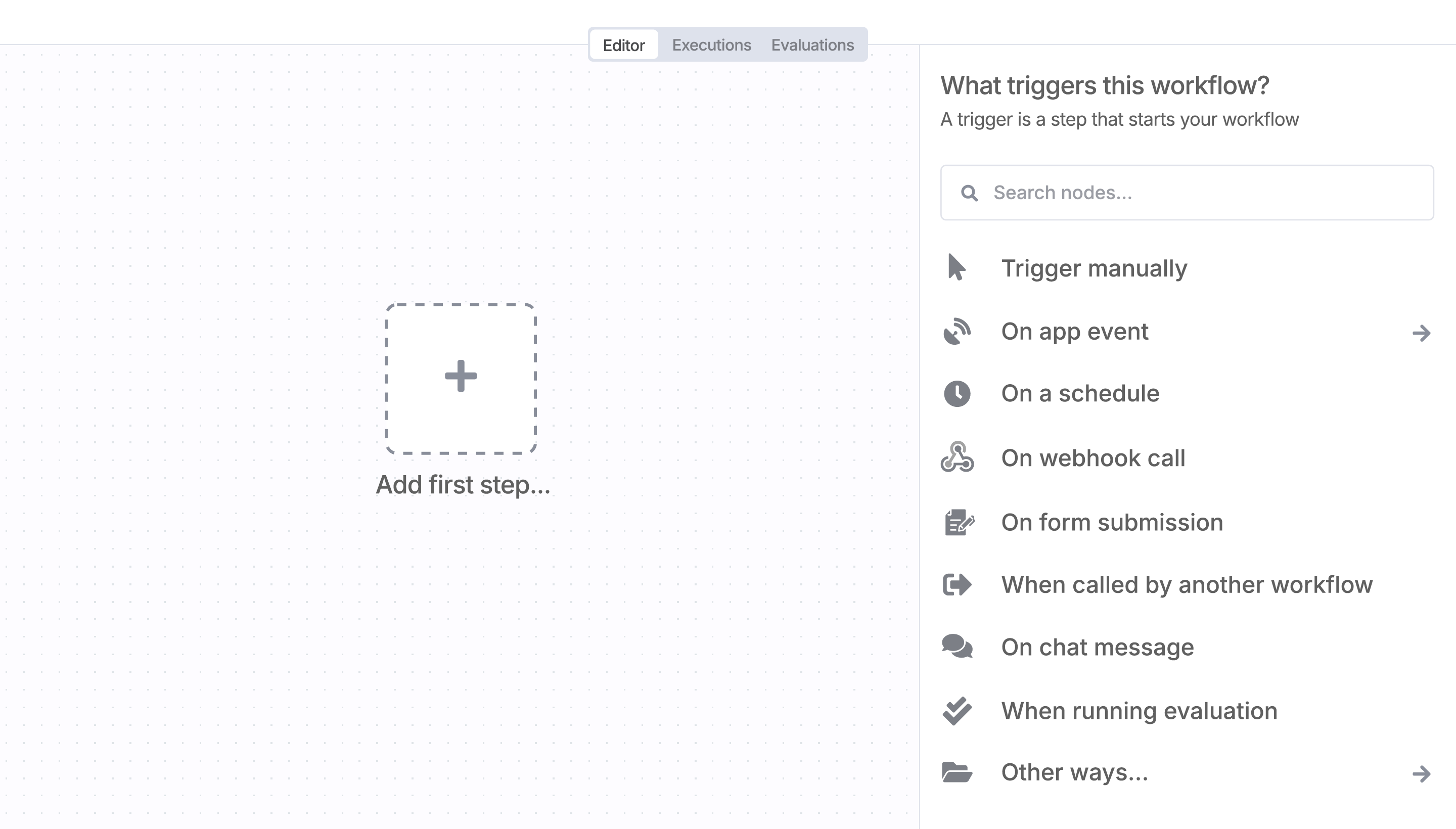
Sign in to n8n, open the editor, and click + in the top right to open the Nodes panel

AI agents and workflows for technical teams at