See llms.txt for all machine-readable content.
Unlock the full potential of Checkmob and n8n’s automation platform by connecting Checkmob’s capabilities with over 1,000 apps, data sources, services, and n8n’s built-in AI features.
Need something that’s not covered yet?
Use n8n’s pre-authenticated HTTP Request node to create new connections, giving you the flexibility to build powerful automations on any stack.

Created by
Checkmob
Last update
17 hours ago
Checkmob integration
is built and maintained by our partners at Checkmob and verified by n8n. That means it’s solid, safe, and ready to help you tap into some great capabilities.
Conecte a Checkmob às suas ferramentas favoritas via n8n. Automatize a gestão de equipes externas: registros de visitas com check-in/check-out, CRM de clientes, ordens de serviço, checklists e geolocalização. Menos trabalho manual, mais visibilidade da operação em campo.
List
List categories
Get
Get a checklist by ID
Link Group
Link a group to the checklist
Link Segment
Link a segment to the checklist
List
List checklists
Remove Group Link
Unlink a group from the checklist
Remove Segment Link
Unlink a segment from the checklist
Get by Record
Get answers by record ID. A 404 means there was no questionnaire for this visit (not an integration error).
Get by Service Order
Get answers by service order ID
List
List answered questionnaires (summary)
Create
Create a new client
Create in Bulk
Create multiple clients in a single call (max. 500).
Delete
Delete a client
Get
Get a client by ID
Link People
Link one or more people to the client (max. 500).
List
Get clients paginated and with filters
Replace
Replace an existing client
Unlink People
Remove the link between a client and people (max. 500).
Update Partially
Partially update an existing client
List
List client addresses
Replace Main
Replace the client's main address
List
List client notes
Create
Create a new note
Update
Update an existing note
Delete
Delete a note by ID
List
List custom fields
Create
Create a new group
Delete
Delete a group
Get
Get a group by ID
List
List groups
Update
Replace an existing group
List
List market sectors
List
List objectives
Activate/Deactivate in Bulk
Activate or deactivate people in bulk (max. 500).
Create
Create a new person
Delete
Delete a person
Get
Get a person by ID
Link Clients
Link a person to one or more clients (max. 500).
List
List people/contacts
Unlink Clients
Remove the link between a person and clients (max. 500).
Update
Update an existing person
Get
Get the person's address
Replace
Replace the person's address
Get
Get a record by ID
List
List records with filters
Create Scheduled
Create a scheduled record (visit)
Update
Update non-sensitive fields (a missing field keeps its current value)
Create
Create a segment
Delete
Delete a segment
Get
Get a segment by ID
Get Links
Get links (users and groups) of the segment
Link Client
Link a client to the segment
Link Group
Link a group to the segment
Link User
Link a user to the segment
List
List segments
Remove Client Link
Unlink a client from the segment
Remove Group Link
Unlink a group from the segment
Remove User Link
Unlink a user from the segment
Update
Replace a segment
Change Status
Change the status of a service order
Create
Create a service order
Delete
Delete a service order
Delete Bulk
Delete service orders in bulk by IDs (max. 500).
Get
Get a service order by ID
List
List service orders
List Status
List available statuses for service orders
Replace
Replace a service order (missing field preserves current value)
List
List service statuses (records)
List
List service types
List
List steps
List
List temperatures
Summary By User
Travel summary consolidated by user
List Days
Travel days of a user
List Routes
Routes (origin → destination) of a travel day
Get
Get a user by ID
List
List users
Locations
Get the recorded locations of a user
Verified nodes need a quick setup by an instance owner first, but after that, everyone on the instance can start using them in their workflows. Learn more here.
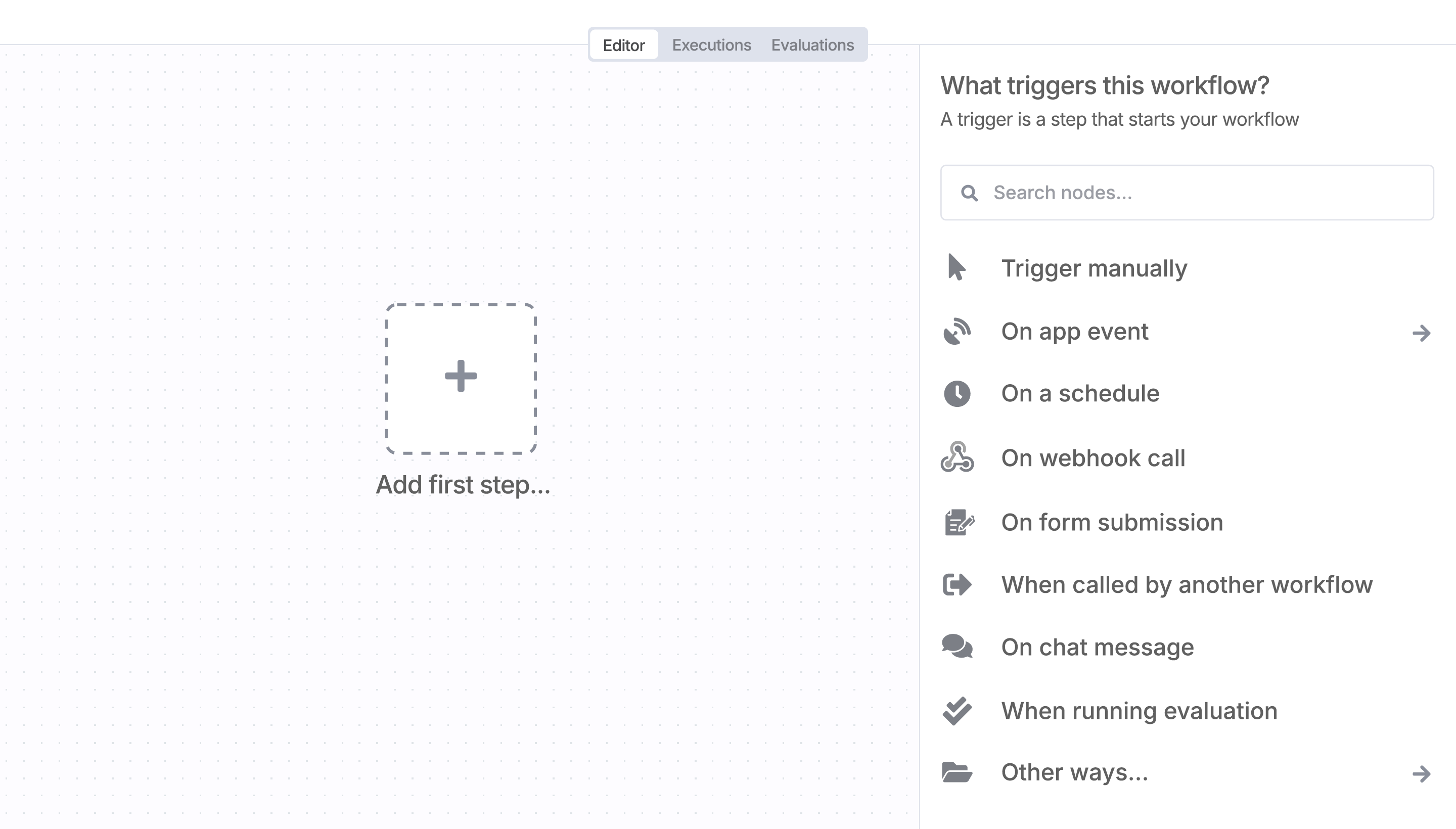
Sign in to n8n, open the editor, and click + in the top right to open the Nodes panel

Supercharge your CRM
Need a more powerful integration with your CRM? n8n lets you go beyond standard integrations offered by popular CRMs!
Save engineering resources
Reduce time spent on customer integrations, engineer faster POCs, keep your customer-specific functionality separate from product all without having to code.
AI agents and workflows for technical teams at