

See llms.txt for all machine-readable content.
Save yourself the work of writing custom integrations for Google Ads and Telegram and use n8n instead. Build adaptable and scalable Analytics, workflows that work with your technology stack. All within a building experience you will love.


Google Ads is an online advertising marketplace where businesses can bid to have their videos, service offers, or brief commercials displayed to website visitors. It can add advertisements to videos, non-search websites, mobile apps, and search engine results, such as Google Search.
Telegram is one of the fastest and most secured messaging apps on the market, connecting people via unique distributed network of data centers around the globe. You can create group chats up to 200,000 members, share large videos and documents of any type. It is completely free, and offers many unique features and options.
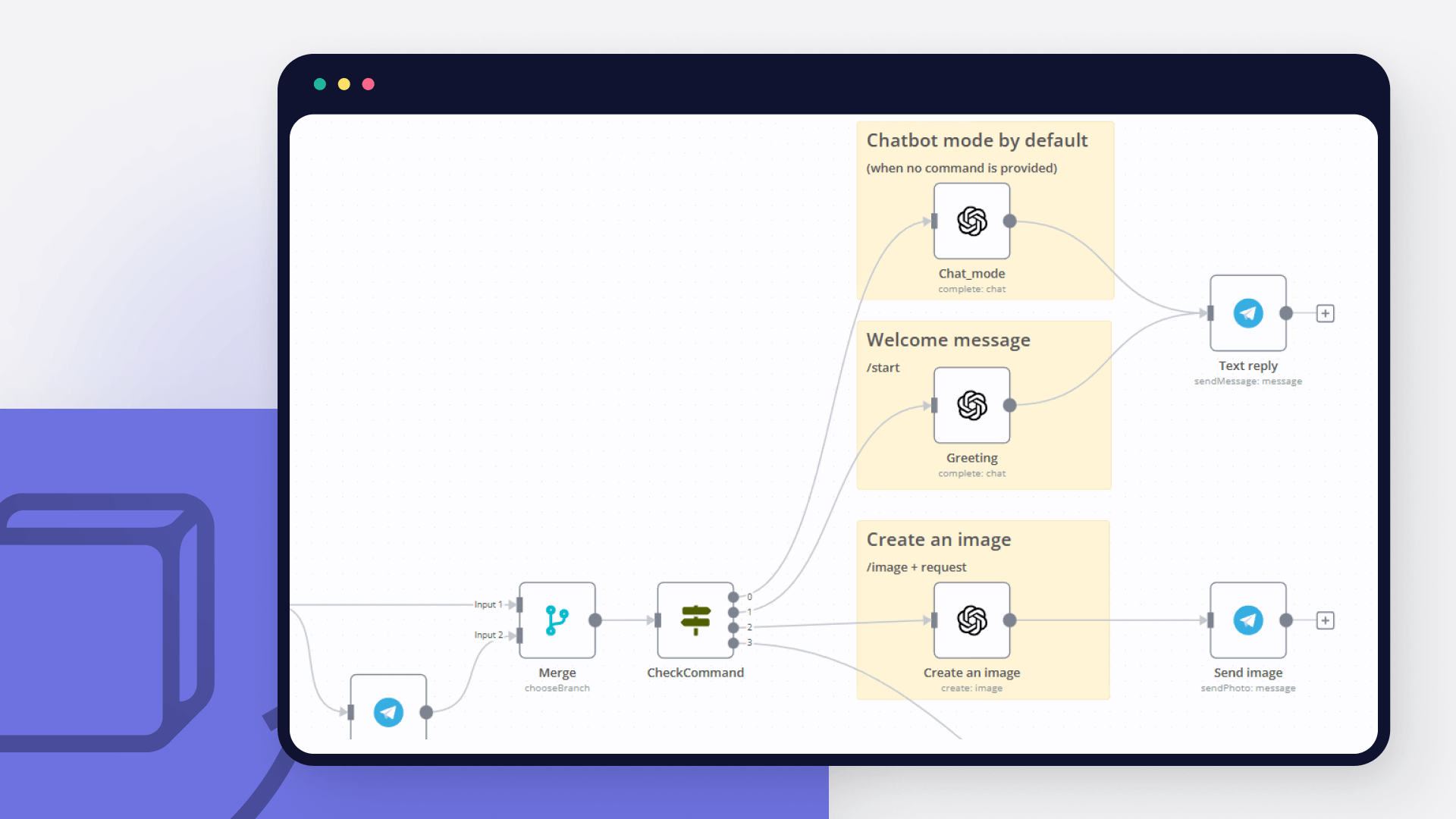
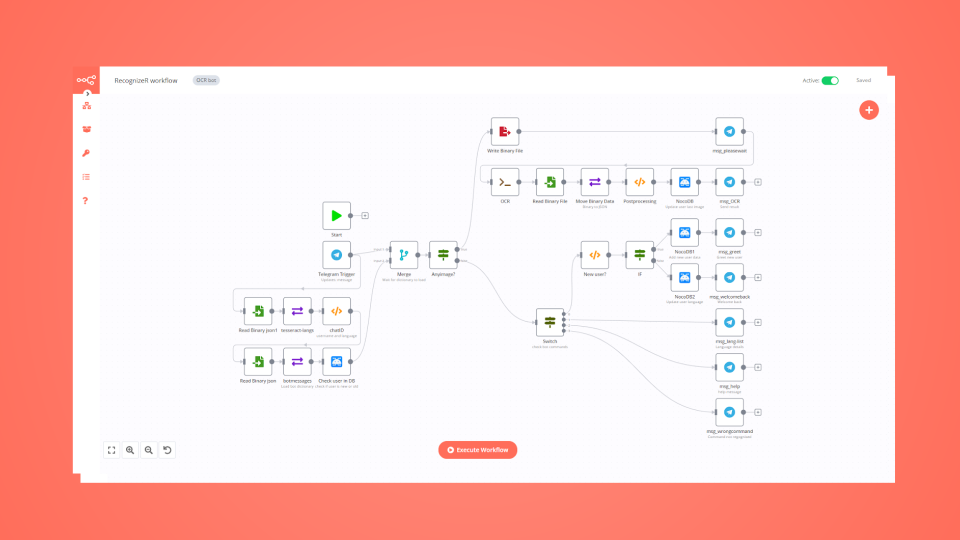
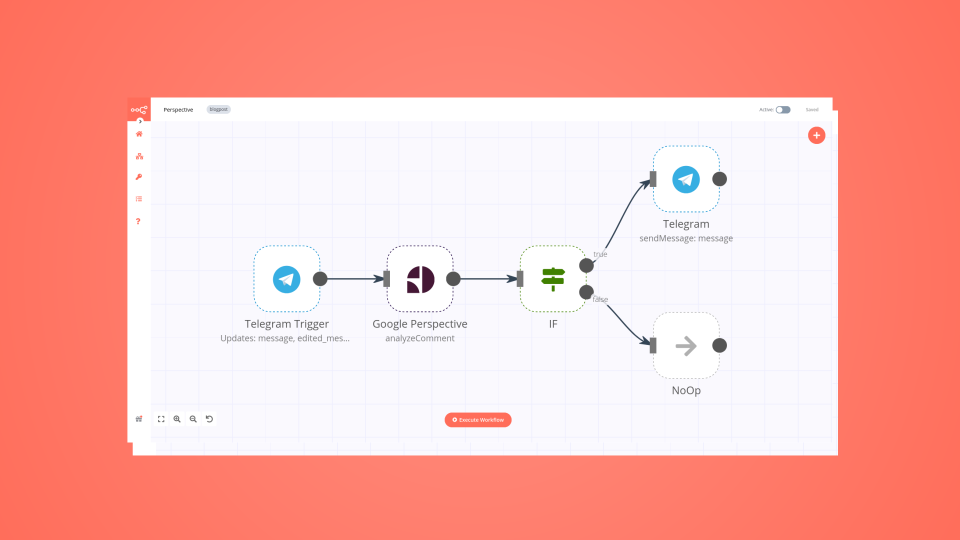
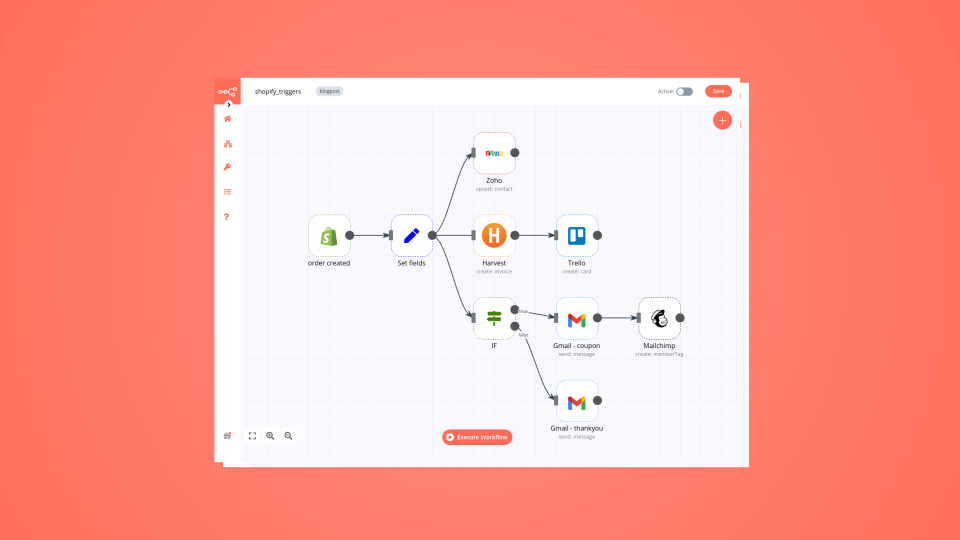
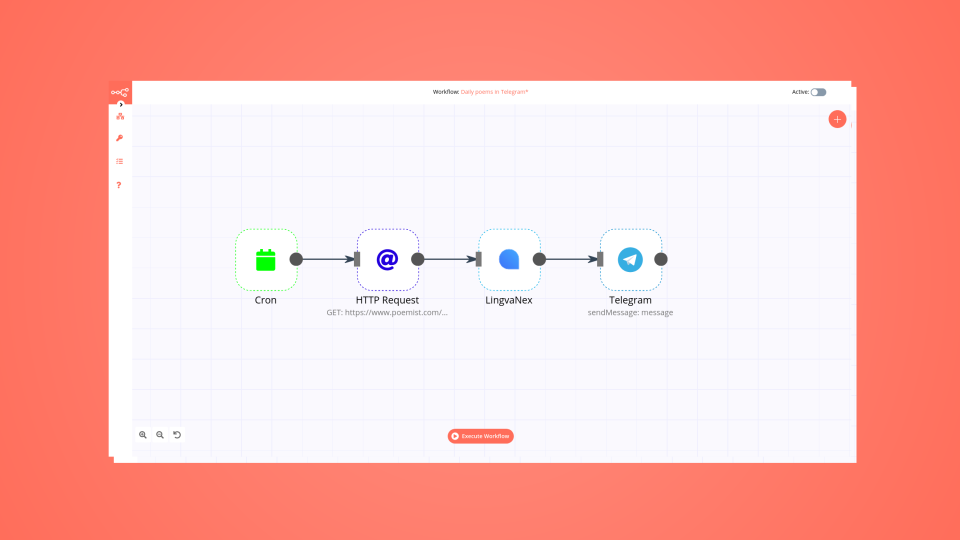
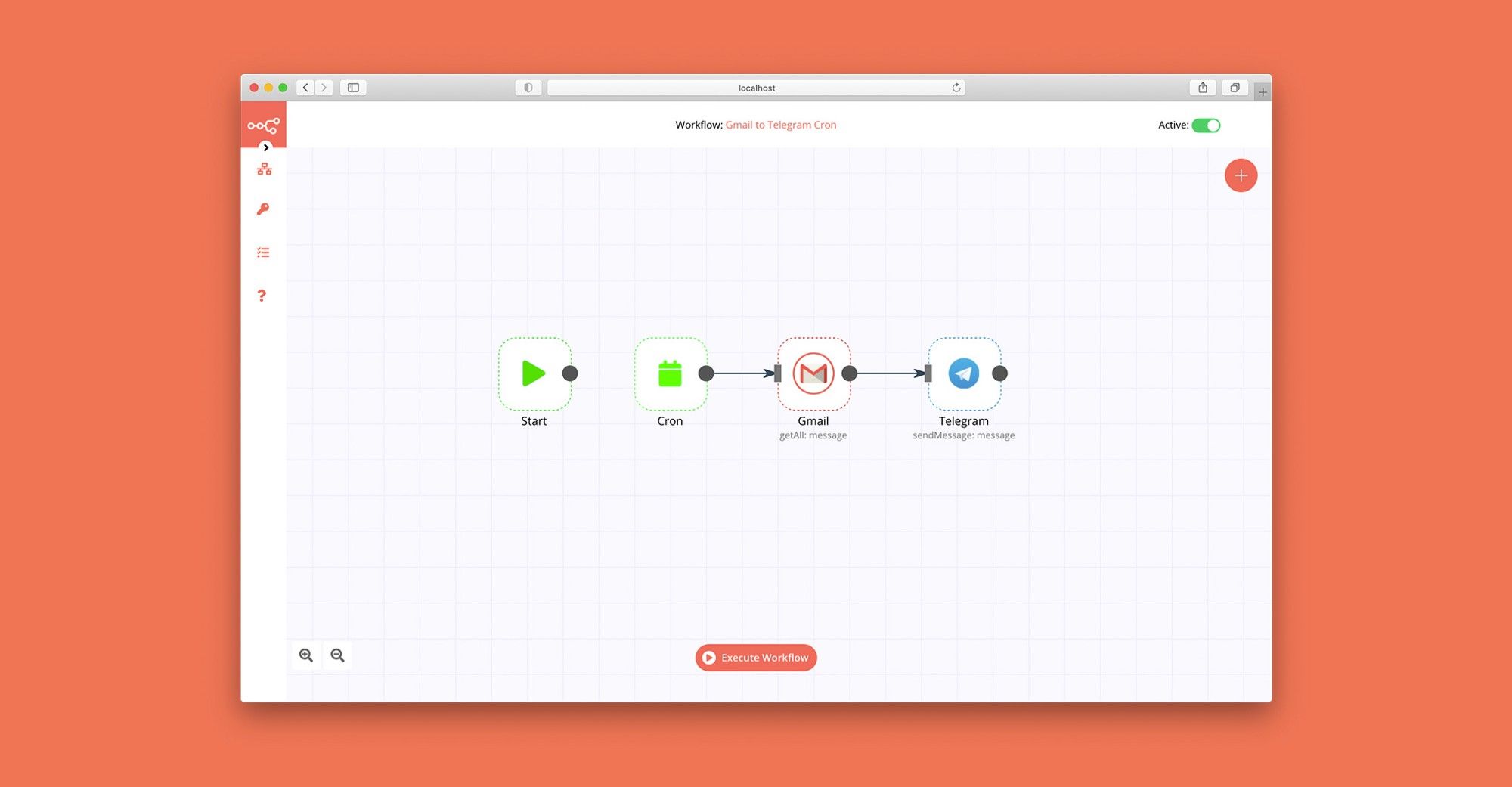
Discover our latest community's recommendations and join the discussions about Google Ads and Telegram integration.

Du Ponce
I would like to capture the balance in my Google Ads account, could anyone help me please? Thanks Information on your n8n setup n8n version: 1.55.3

Trigi Digital
Describe the problem/error/question I haved 2 n8n installation with same web server and config (Nothing different from firewall etc): n8n version 1.42.1 > No problem n8n version 1.46.0 > Upgrade from 1.44.1 and this is…

lg-n9n
Hello, i am hosting n8n local on a VPS. I am working on a workflow that starts with a telegram trigger. At first i created multiple telegram triggers until i got the following error Due to Telegram API limitations, you…

kingcatlite
Hi there, this tool is very exciting and im currently having fun trying it out, especially about the possibility for it to make telegram integration and chatbot so i manage to make a simple telegram chatbot that can ans…

Sanders Röhling Immobilien
I am building a Telegram AI agent in n8n to automatically communicate with tenants. The agent decides whether it can answer directly or needs to escalate the message to a team lead. My current workflow structure is: Te…



Handle branching, merging and iteration easily. Pause your workflow to wait for external events.
Re-run single steps to test changes in no time. And pin your data to avoid generating trigger events every time you execute.
Your data is displayed alongside your settings, making edge cases easy to track down.
Use 1000+ workflow templates available from our core team and our community.
Copy and paste, easily import and export workflows.


I have found the holy grail of automation.

n8n’s integration with third-party services is absolutely mind-blowing. It’s like a Swiss army knife for automation.

Anything is possible with n8n. I think the cloud version is great, they are doing amazing stuff.

Thank you to the n8n community. I did the beginners course and promptly took an automation WAY beyond my skill level.