
See llms.txt for all machine-readable content.

Google Analytics and Google BigQuery integration

Save yourself the work of writing custom integrations for Google Analytics and Google BigQuery and use n8n instead. Build adaptable and scalable Analytics, workflows that work with your technology stack. All within a building experience you will love.


How to connect Google Analytics and Google BigQuery

Create a new workflow and add the first step

In n8n, click the "Add workflow" button in the Workflows tab to create a new workflow. Add the starting point – a trigger on when your workflow should run: an app event, a schedule, a webhook call, another workflow, an AI chat, or a manual trigger. Sometimes, the HTTP Request node might already serve as your starting point.

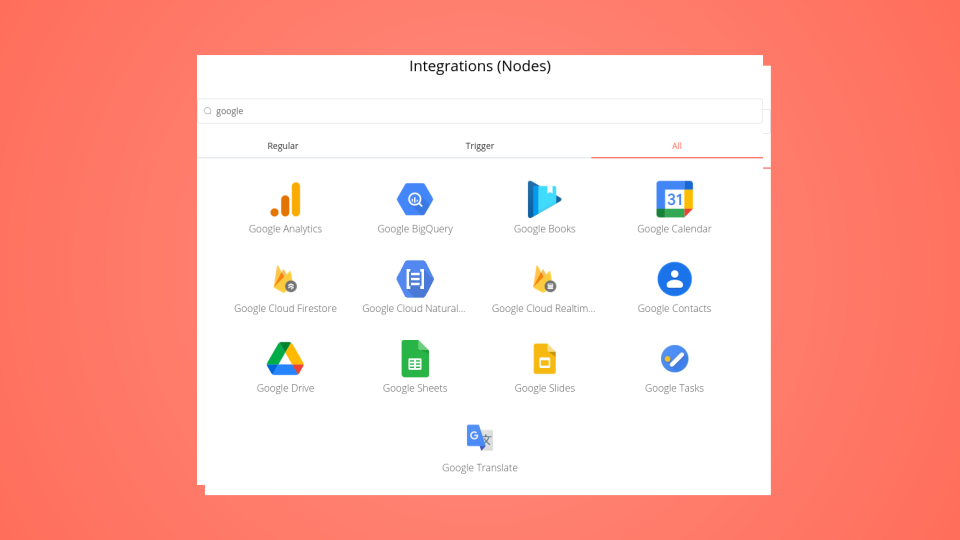
Google Analytics and Google BigQuery integration: Create a new workflow and add the first step

Automated GA4 analytics data backfill to BigQuery with Telegram alerts

This workflow automates the daily backfill of Google Analytics 4 (GA4) data into BigQuery. It fetches 13 essential pre-processed reports (including User Acquisition, Traffic, and E-commerce) and uploads them to automatically created tables in BigQuery, and then send an alert in telegram. How it works Configuration: You define your Project ID, Dataset, and Date Range in a central "Config" node. Parallel Fetching: The workflow runs 13 parallel API calls to GA4 to retrieve key reports (e.g., ga4_traffic_sources, ga4_ecommerce_items). Dynamic Tables: It automatically checks if the target BigQuery table exists and creates it with the correct schema if it's missing. Telegram Alerts: After execution, it sends a summary message to Telegram indicating success or failure for the day's run. Set up steps Google Credentials (OAuth): This workflow uses n8n's built-in "Google OAuth2 API" credential. You do not need a Service Account key. Connect your Google account and ensure you grant scopes for Google Analytics API and BigQuery API. Config Node: Open the "Backfill Config" node and fill in: GA4 Property ID Google Cloud Project ID BigQuery Dataset ID Telegram Setup (Optional): If you want alerts, configure the Telegram node with your Bot Token and Chat ID. If not, you can disable/remove this node. Schedule: By default, this is set to run daily. It is recommended to use a date expression (e.g., Today - 2 Days) to allow GA4 time to process data fully before fetching.

Build your own Google Analytics and Google BigQuery integration

Create custom Google Analytics and Google BigQuery workflows by choosing triggers and actions. Nodes come with global operations and settings, as well as app-specific parameters that can be configured. You can also use the HTTP Request node to query data from any app or service with a REST API.

Google Analytics supported actions

Google BigQuery supported actions

Google Analytics and Google BigQuery integration details

Google Analytics

Google Analytics

Google Analytics is a tool that gathers information from your apps and websites to provide reports that give you insights on how well your business is doing. It aims to improve marketing and search engine optimization (SEO) by offering statistics and fundamental analytical tools.

Google BigQuery

Google BigQuery

Many businesses use the Google Cloud service BigQuery for data reporting. BigQuery is categorized as an Advanced Data Connector. The amount of data that needs to be processed could be quite large (up to 10,000 columns and tens of millions of rows).

Save engineering resources

Reduce time spent on customer integrations, engineer faster POCs, keep your customer-specific functionality separate from product all without having to code.

Learn more

FAQ about Google Analytics integrations

Looking to integrate Slack and VirusTotal in your company?

Trusted by teams building smarter workflows.

Why

Why use n8n to integrate Google Analytics with Google BigQuery

Handle branching, merging and iteration easily. Pause your workflow to wait for external events.

Re-run single steps to test changes in no time. And pin your data to avoid generating trigger events every time you execute.

Your data is displayed alongside your settings, making edge cases easy to track down.

Use 1000+ workflow templates available from our core team and our community.

Copy and paste, easily import and export workflows.

Simple enough to 
understand + sophisticated 
enough to ship