See llms.txt for all machine-readable content.
Integrate MetroERP with 2,000+ apps and services
Unlock the full potential of MetroERP and n8n’s automation platform by connecting MetroERP’s capabilities with over 2,000 apps, data sources, services, and n8n’s built-in AI features.
Need something that’s not covered yet?
Use n8n’s pre-authenticated HTTP Request node to create new connections, giving you the flexibility to build powerful automations on any stack.

- Created by
- MetroERP
- Last update
- 7 days ago
MetroERP integration
is built and maintained by our partners at MetroERP and verified by n8n. That means it’s solid, safe, and ready to help you tap into some great capabilities.
About MetroERP
The MetroERP node connects n8n to your Metro site so a workflow can create and update those records without anyone entering them by hand.
Connect it with a MetroERP API credential. The Base URL is your public Metro address, and the API key is created in Metro under Accounting, then Configuration, then n8n Integration, then API Keys. The key controls access to contacts and invoices. Vendor bills use the invoices permission. The Metro site must be reachable over HTTPS. n8n Cloud cannot call a localhost address.
The node has three resources.
Contact. Create a customer or vendor, get one contact by ID, list contacts, or update an existing contact. You can send the name, email, phone, mobile, tax number, website, street, city, postal code, state, country, and whether the contact is a company. The name is required when creating a contact.
Invoice. Create a customer invoice, get one invoice, list invoices, or update a draft invoice. A new invoice needs a customer, either by an existing contact ID or by a contact name, and at least one line. Each line can include a description, quantity, unit price, unit of measure, discount, account code, product, and taxes. The currency is your Metro company currency unless you send another one. You can leave the invoice as a draft or post it when it is created.
Bill. Create a vendor bill, get one bill, list bills, or update a draft bill. A bill uses the same line fields as an invoice. The vendor can be an existing contact or a new contact created from the vendor name and email.
For a spreadsheet, add a form or another trigger that receives an Excel file, then add Extract from File so each row becomes one item. On the MetroERP node, turn on JSON Parameters and map the columns in JSON Body. For invoices, map customer_name, email, reference, currency, description, quantity, and unit_amount. For bills, use vendor_name in place of customer_name. Empty optional columns are accepted. A customer or vendor name, plus a line description, is required.
The same actions are available when the node is used as a tool by an AI Agent. The agent can list contacts or create an invoice or bill through the MetroERP credential already saved in n8n.
Typical uses are uploading a spreadsheet of vendor bills, creating a customer and an invoice from a form submission, and letting an agent look up Metro contacts or invoices during a chat.
Related categories
What can you do with MetroERP?
| Create | Create a contact in MetroERP |
|---|---|
| Get | Get a contact by ID |
| Get Many | List contacts |
| Update | Update a contact |
How to install MetroERP and use it in your n8n workflows
Verified nodes need a quick setup by an instance owner first, but after that, everyone on the instance can start using them in their workflows. Learn more here.
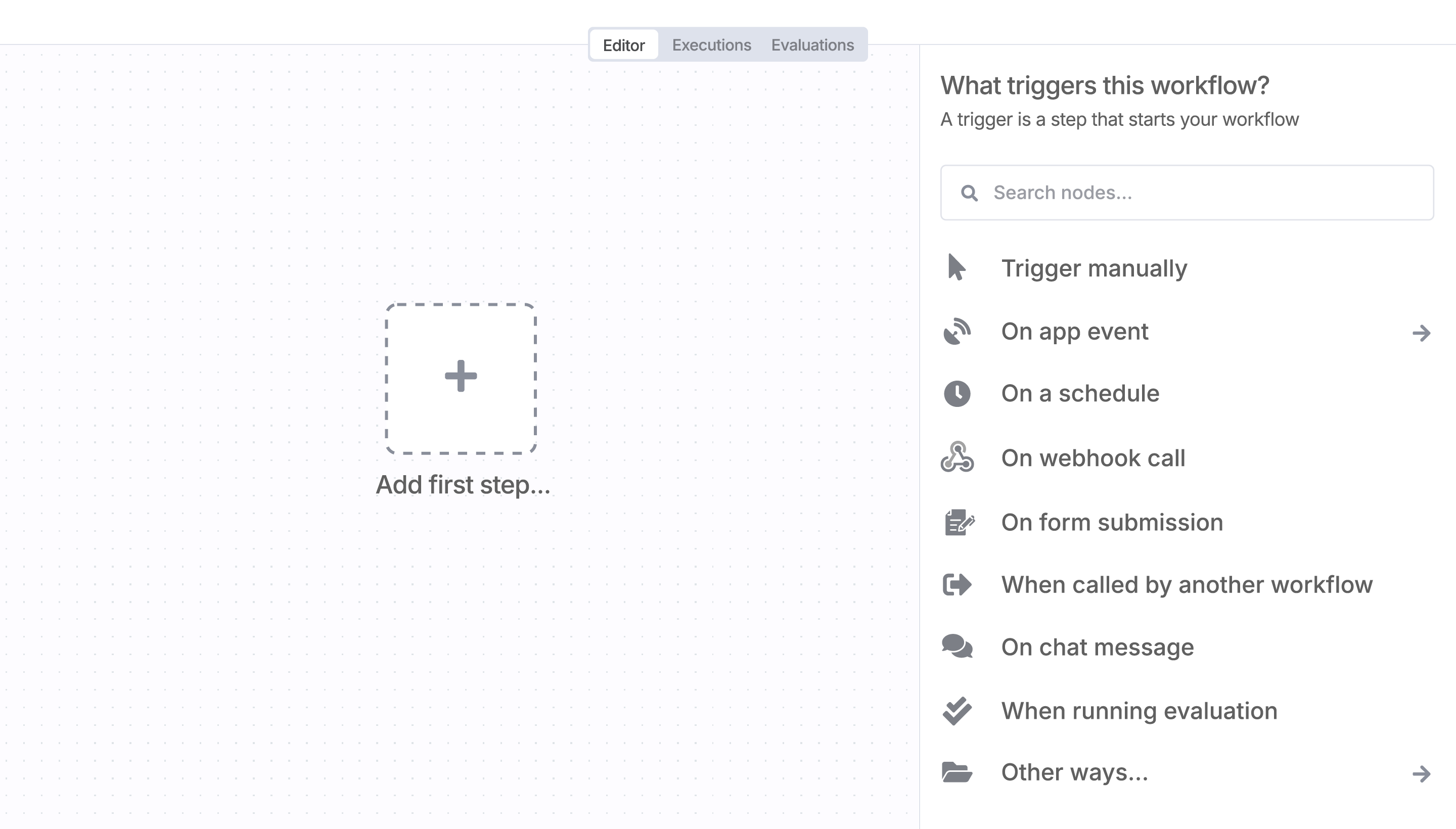
Sign in to n8n, open the editor, and click + in the top right to open the Nodes panel
Search for MetroERP using the search bar. Look for the version marked by a badge  . Then, select install.
Once MetroERP is installed, just drag, drop, and connect it like any other node in a workflow.
Resources for MetroERP
Trusted by teams building smarter workflows.


Connect MetroERP with your company’s tech stack and create automation workflows


I have found the holy grail of automation.
Luisa Vidal 
n8n’s integration with third-party services is absolutely mind-blowing. It’s like a Swiss army knife for automation.
Felix Leber 
Anything is possible with n8n. I think the cloud version is great, they are doing amazing stuff.
Robyn Tindall 
Thank you to the n8n community. I did the beginners course and promptly took an automation WAY beyond my skill level.
Charley Mann
Simple enough to
understand + sophisticated
enough to ship
