See llms.txt for all machine-readable content.

Notion and OpenAI integration

Save yourself the work of writing custom integrations for Notion and OpenAI and use n8n instead. Build adaptable and scalable Productivity, workflows that work with your technology stack. All within a building experience you will love.


How to connect Notion and OpenAI

Create a new workflow and add the first step

In n8n, click the "Add workflow" button in the Workflows tab to create a new workflow. Add the starting point – a trigger on when your workflow should run: an app event, a schedule, a webhook call, another workflow, an AI chat, or a manual trigger. Sometimes, the HTTP Request node might already serve as your starting point.

Notion and OpenAI integration: Create a new workflow and add the first step

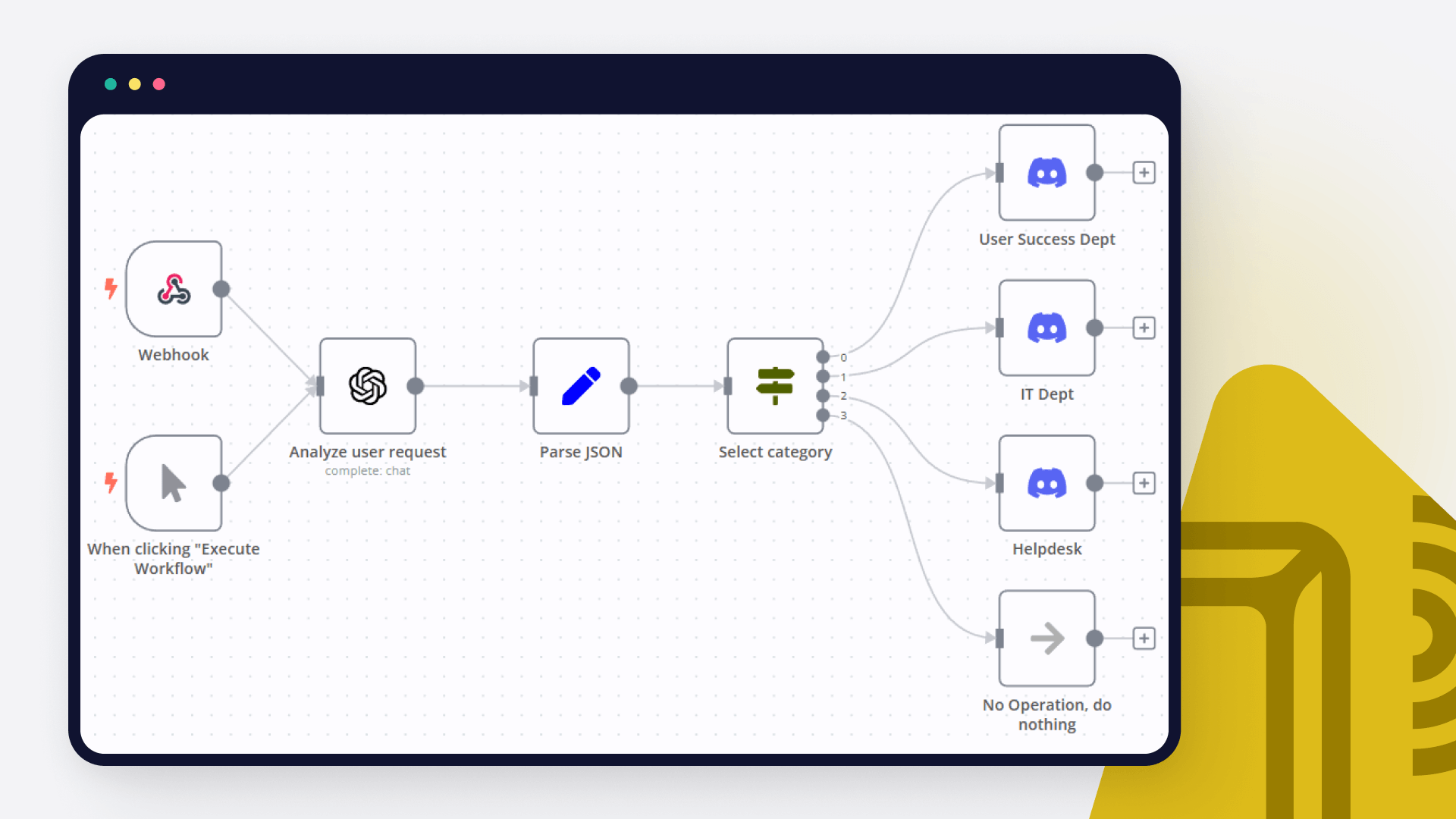
Transcribe audio files, summarize with GPT-4, and store in Notion

Who is this for? This workflow template is perfect for content creators, researchers, students, or anyone who regularly works with audio files and needs to transcribe and summarize them for easy reference and organization. What problem does this workflow solve? Transcribing audio files and summarizing their content can be time-consuming and tedious when done manually. This workflow automates the process, saving users valuable time and effort while ensuring accurate transcriptions and concise summaries. What this workflow does This template automates the following steps: Monitors a specified Google Drive folder for new audio files Sends the audio file to OpenAI's Whisper API for transcription Passes the transcribed text to GPT-4 for summarization Creates a new page in Notion with the summary Setup To set up this workflow: Connect your Google Drive, OpenAI, and Notion accounts to n8n Configure the Google Drive node with the folder you want to monitor for new audio files Set up the OpenAI node with your API key and desired parameters for Whisper and GPT-4 Specify the Notion database where you want the summaries to be stored How to customize this workflow Adjust the Google Drive folder being monitored Modify the OpenAI node parameters to fine-tune the transcription and summarization process Change the Notion database or page properties to match your preferred structure With this AI-powered workflow, you can effortlessly transcribe audio files, generate concise summaries, and store them in a structured manner within Notion. Streamline your audio content processing and organization with this automated template.

Build your own Notion and OpenAI integration

Create custom Notion and OpenAI workflows by choosing triggers and actions. Nodes come with global operations and settings, as well as app-specific parameters that can be configured. You can also use the HTTP Request node to query data from any app or service with a REST API.

Notion supported actions

OpenAI supported actions

Notion and OpenAI integration details

Notion

Notion

Notion is an all-in-one workspace for you and your team. It helps team members create tasks, wikis, and databases all at one place.

OpenAI

OpenAI

OpenAI, the creator of ChatGPT, offers a range of powerful models including GPT-3, DALL·E, and Whisper. Leverage these models to build AI-powered workflows.
FAQ about Notion integrations

Need help setting up your Notion and OpenAI integration?

Discover our latest community's recommendations and join the discussions about Notion and OpenAI integration.

  • Justin Cheu

    Notion Node Bug: The relation id "fffbfe90567a-8132-b56d-c3acc1e8eb71" is not a valid uuid with optional dashes

    Justin Cheu

    The relation id “fffbfe90567a-8132-b56d-c3acc1e8eb71” is not a valid uuid with optional dashes. { "errorMessage": "The relation id \"fffbfe90567a-8132-b56d-c3acc1e8eb71\" is not a valid uuid with optional dashes.", …

    Open topic
  • Cris A. Works

    Problem activating workflow. NodeAPIError

    Cris A. Works

    Describe the issue: Whenever I run this command: docker run -it --rm --name n8n -p 5678:5678 -v C:\Users\billy\.n8n:/home/node/.n8n docker.n8n.io/n8nio/n8n Yields in a looping error. It didn’t used to happen before. W…

    Open topic
  • Oliver Cordingley

    Notion append block formatting, using loop, still no luck

    Oliver Cordingley

    Hey, I’m using open AI to write written reports which have a set structure using H2 H3 and bullet points. The output should be delivered inside of a notion database page as an appended block. My output from open AI is ra…

    Open topic
  • Martin

    Any way to embed the interactive flow diagrams into notion?

    Martin

    Is there any way to replicate the way we share templates here on the forum within notion pages? (eg Creating an API endpoint | n8n workflow template) We use notion for documentation purposes and I’d love to be able to u…

    Open topic
  • Liam Skaff

    Notion Relations ID Error

    Liam Skaff

    Hello. Recently I’ve been getting this error in my Notion Node when trying to insert an ID in the relations tab. I contacted Notion support and they told me that the problem is from n8n. This is the error I’m receiving…

    Open topic

Looking to integrate Slack and VirusTotal in your company?

Trusted by teams building smarter workflows.

Why

Why use n8n to integrate Notion with OpenAI

Handle branching, merging and iteration easily. Pause your workflow to wait for external events.

Re-run single steps to test changes in no time. And pin your data to avoid generating trigger events every time you execute.

Your data is displayed alongside your settings, making edge cases easy to track down.

Use 1000+ workflow templates available from our core team and our community.

Copy and paste, easily import and export workflows.

Simple enough to 
understand + sophisticated 
enough to ship