See llms.txt for all machine-readable content.
Unlock the full potential of Saber and n8n’s automation platform by connecting Saber’s capabilities with over 2,000 apps, data sources, services, and n8n’s built-in AI features.
Need something that’s not covered yet?
Use n8n’s pre-authenticated HTTP Request node to create new connections, giving you the flexibility to build powerful automations on any stack.
is built and maintained by our partners at Saber and verified by n8n. That means it’s solid, safe, and ready to help you tap into some great capabilities.
Saber is an intelligence platform for GTM teams. It enables you to find the right companies, identify contacts, and surface the most important context to drive action. Saber uses AI-powered agents to identify, evaluate, and verify signals and insights that matter for a given account or motion - now in n8n!
| List all signal templates for your organization | Retrieve a paginated list of signal templates for your organization. |
|---|---|
| Create a signal template | Create a reusable signal template that can be referenced when creating signals. |
| Get a signal template by ID | Retrieve a specific signal template by ID |
| Update a signal template | Update a signal template using PATCH semantics (partial update). This creates a new version of the template |
| Delete a signal template | Soft-delete a signal template. The template will be marked as deleted but preserved for historical tracking. |
| List all AI-generated signal summaries for a domain, ordered by creation date (latest first) | Retrieve all summaries that have been generated for a given domain with pagination support. |
|---|---|
| Generate an AI summary consolidating insights from all completed company signals for a domain | Generate an AI-powered summary of all completed signals for a given domain. The summary |
| List signal executions for a subscription | Retrieve all signal executions that were triggered by a specific signal subscription. |
|---|---|
| List all signal subscriptions for your organization | Retrieve a paginated list of signal subscriptions. Each subscription is merged |
| Create a signal subscription | Create a subscription that schedules recurring signal executions. |
| Get a signal subscription by ID | Retrieve a single subscription merged with its signal template data. |
| Update a signal subscription | Update a subscription's schedule configuration and/or its underlying template fields. |
| Start a signal subscription | Activate a stopped subscription. Begins recurring signal execution |
| Stop a signal subscription | Pause an active subscription so no further recurring executions occur. |
| Trigger an immediate run of a signal subscription | Trigger an immediate execution of the subscription regardless of the cron schedule. |
| List all actions for a subscription | Retrieve a paginated list of actions configured on a subscription. |
| Create a subscription action | Create an action on a subscription. Actions define what happens when the |
| Get a subscription action by ID | Retrieve a single action by its ID. |
| Update a subscription action | Replace the configuration of an existing action. The action type is |
| Delete a subscription action | Permanently delete an action from a subscription. |
| Pause a subscription action | Disable an action so it is skipped during dispatch. The action |
| Unpause a subscription action | Re-enable a paused action so it resumes being dispatched when the |
| Create a company signal synchronously | ⭐ This is the recommended way to create signals and get results instead of async + webhooks. |
|---|---|
| List company signals | Retrieve all signals with optional filtering by domain or companyId, pagination and filtering. |
| Create a company signal asynchronously | Submit a domain and question to create a new research signal. The AI will analyze the domain |
| Create company signals in batch | Submit multiple signals and domains to create signals using a Cartesian product pattern. |
| Get a company signal by ID | Retrieve the current status and results of a signal. If the signal is completed, |
| Import a company list from HubSpot | Create a company list by importing companies directly from a connected |
|---|---|
| Preview expected company count and credit cost | Returns the number of companies that match a given filter and the Saber |
| List company lists | Retrieve a paginated list of company lists belonging to the authenticated caller. |
| Create a company list | Create a named company list with a filter definition. The filter criteria |
| Get a company list by ID | Retrieve a single company list including its name and filter definition. |
| Update a company list | Update the name and/or filter of an existing company list. Both fields |
| Delete a company list | Soft-delete a company list. The list will no longer appear in list |
| Get companies in a list | Retrieve companies that belong to a company list, paginated. Companies |
| Export a company list as CSV | Export all companies in a list as a CSV file. Returns a |
| Search companies matching a filter | Returns up to 50 companies that match the given filter criteria. |
| Create a contact signal synchronously | ⭐ This is the recommended way to create contact signals and get results instead of async + webhooks. |
|---|---|
| List contact signals | Retrieve all contact signals with optional filtering by LinkedIn URL, pagination and filtering. |
| Create a contact signal asynchronously | Submit a LinkedIn URL and question to create a new research signal for an individual contact. |
| Get a contact signal by ID | Retrieve the current status and results of a contact signal. If the signal is completed, |
| List contact lists | List contact lists |
|---|---|
| Create a contact list | Creates a named contact list by running a live LinkedIn Sales Navigator search for the given company and filters, then storing the results as a persistent snapshot. |
| Get a contact list by ID | Get a contact list by ID |
| Rename a contact list | Rename a contact list |
| Delete a contact list and all its stored contacts | Permanently deletes the contact list and all its stored contact snapshots. |
| Get contacts in a contact list | Returns the stored contact snapshot for the given list, paginated. Reads directly from the database — no Sales Navigator API call is made, so this is always fast and does not consume credits. |
| Find a verified email address for a contact at a domain | Given a contact's full name and the domain of the company they |
|---|---|
| Get contact research by external ID | Retrieve a contact research request by external ID and external source. This endpoint allows you |
| Start a contact research job | Submit contact details to create a new contact research request. The AI will gather information |
| Get contact research by ID | Retrieve a contact research request by ID, including its status and results if completed. |
| Search contacts with LinkedIn Sales Navigator | Search for contacts using LinkedIn Sales Navigator. Optionally scoped to one or more companies |
| List all market signal subscriptions for your organization | Retrieve a paginated list of market signal subscriptions. By default, deleted subscriptions |
|---|---|
| Create a market signal subscription to monitor job posts, LinkedIn posts, fundraising, investments, or IPOs | Create a subscription that continuously monitors external data sources and delivers matching signals |
| Get a market signal subscription by ID | Retrieve a single market signal subscription including its filter configuration and status. |
| Update a market signal subscription | Partially update a subscription's configuration. All fields are optional; only provided |
| Delete a market signal subscription | Soft-delete a subscription and stop signal delivery. The subscription will no longer |
| Pause a market signal subscription | Pause an active subscription. No new signals will be delivered until the |
| Resume a paused market signal subscription | Resume a paused subscription. Signal polling restarts and signals will |
| Trigger an immediate run of a market signal subscription | Trigger an immediate polling run for the subscription, regardless of the normal |
| List signals delivered by a market signal subscription | Retrieve a paginated list of signals that have been matched and stored by a subscription. |
| List scoring profiles | List all scoring profiles for the authenticated organisation. |
|---|---|
| Create a scoring profile | Create a named, org-scoped scoring profile. A profile groups scoring rules for a |
| Get a scoring profile | Get a scoring profile |
| Update a scoring profile | Rename or re-describe a profile. Profile type is immutable. |
| Delete a scoring profile | Deletes the profile and cascades to its rules, assignments, and score results. |
| List scoring rules for a profile | List scoring rules for a profile |
| Upsert a scoring rule | Create or replace the rule for (profileId, signalTemplateId, dimension). Triggers |
| Delete a scoring rule | Removes the rule and triggers a recompute of every object assigned to the |
| List profile assignments for an object | Returns every profile a given object is assigned to. |
| Assign a profile to a single object | Links one company or contact to a scoring profile. Triggers immediate score |
| Assign a profile to many objects at once | Links many company or contact IDs to a single profile in one call. Skips |
| Remove a profile assignment | Removes the assignment and cleans up any score results computed for this |
| Read scores for one or more objects | Returns one row per (profile, object, dimension) triple. Pass objectId |
| Trigger score recomputation | Triggers score recomputation for the given objects against the latest |
| List connectors and their connection status | Returns a list of all integrations (connectors) configured for your organization, along with |
|---|---|
| Get remaining credit balance | Returns the remaining credits balance for your organization. |
| Get your organisation profile | Returns the authenticated organisation's profile data: name, website, and description fields. |
| Update your organisation profile | Partially updates the authenticated organisation's profile. All fields are optional — only |
Verified nodes need a quick setup by an instance owner first, but after that, everyone on the instance can start using them in their workflows. Learn more here.
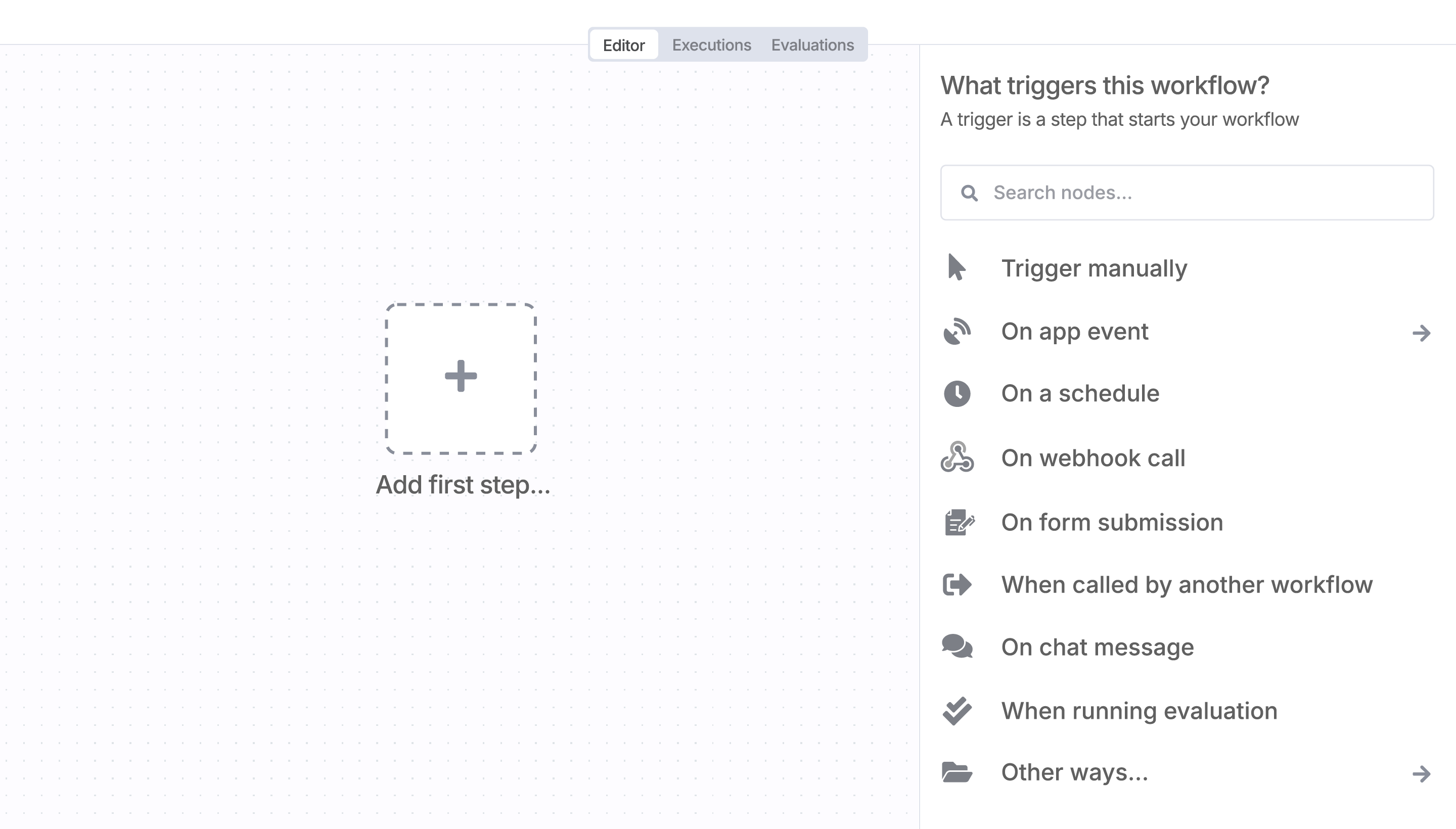
Sign in to n8n, open the editor, and click + in the top right to open the Nodes panel
Search for Saber using the search bar. Look for the version marked by a badge . Then, select install.
Once Saber is installed, just drag, drop, and connect it like any other node in a workflow.
Supercharge your CRM
Need a more powerful integration with your CRM? n8n lets you go beyond standard integrations offered by popular CRMs!
Automate lead management
Using too many marketing tools? n8n lets you orchestrate all your apps into one cohesive, automated workflow.

n8n makes complex workflows easy to build, and versatile enough for me to add my own 'secret sauce.'

I have found the holy grail of automation.

n8n’s integration with third-party services is absolutely mind-blowing. It’s like a Swiss army knife for automation.
n8n is the tool that turns 'I have an idea' into 'it's running in production' faster than anything else.

Anything is possible with n8n. I think the cloud version is great, they are doing amazing stuff.
n8n’s integration with third-party services is absolutely mind-blowing. It’s like a Swiss army knife for automation.

Thank you to the n8n community. I did the beginners course and promptly took an automation WAY beyond my skill level.
I love the flexibility of n8n and how it lets different applications work together in a single workflow.
n8n is the glue that holds many of our systems together.
I can move fast, go deep when things get complex, and never feel boxed in.





