See llms.txt for all machine-readable content.


Video Introduction
Want to automate your inbox or need a custom workflow? 📞 Book a Call | 💬 DM me on Linkedin
What this workflow does
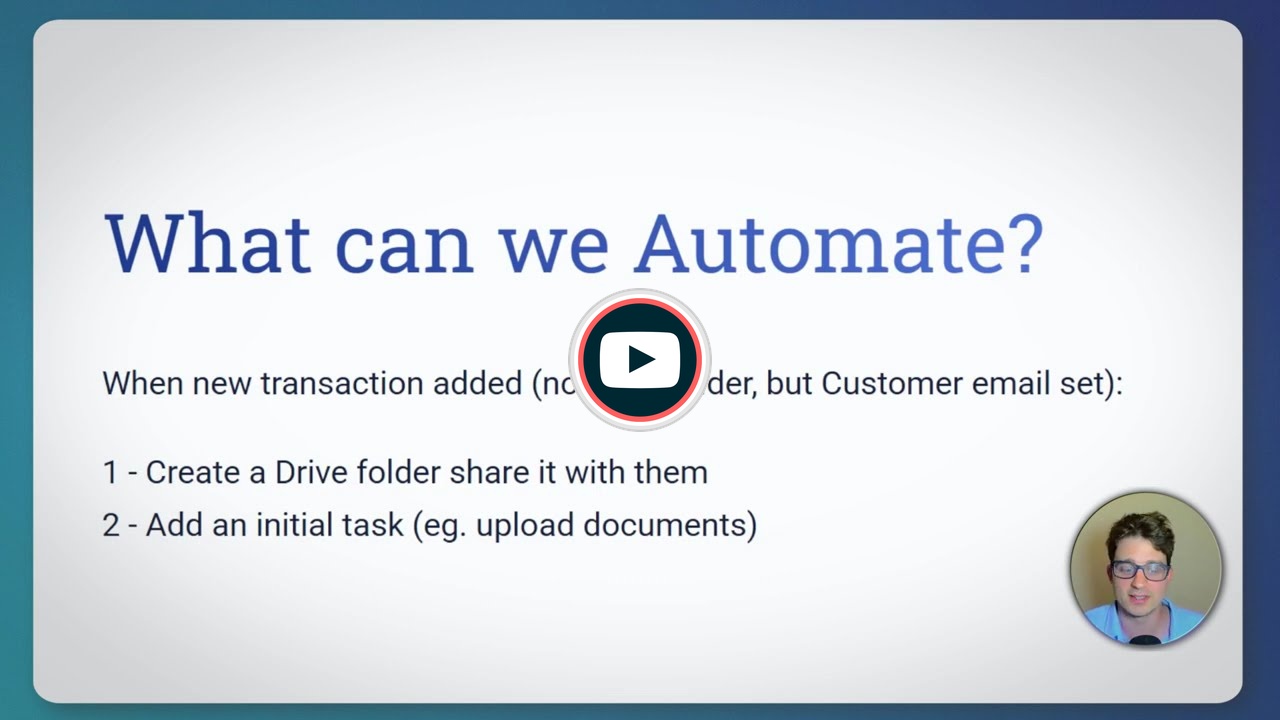
This workflow automates backend setup tasks for real estate client portals. When a new property transaction is added to your Google Sheets database with a buyer email but no document folder assigned, the workflow automatically creates a dedicated Google Drive folder, updates the spreadsheet with the folder URL, and adds an initial task prompting the client to upload documents.
This automation eliminates manual folder creation and task assignment, ensuring every new transaction has its documentation infrastructure ready from day one. Your clients can access their dedicated folder directly from the portal, keeping all property-related documents organized and accessible in one place.
Key benefits
- Eliminate manual setup: No more creating folders and tasks individually for each transaction
- Consistent client experience: Every buyer gets the same professional onboarding process
- Organized documentation: Each transaction has its own Google Drive folder automatically shared with the client
- Time savings: Focus on closing deals instead of administrative setup
Setup requirements
Important: You must make a copy of the reference Google Sheets spreadsheet to your own Google account before using this workflow.
Your spreadsheet needs at minimum two tabs:
- Transactions tab: Columns for ID, Buyer Email, Documents URL, Property Address, and Status
- Tasks tab: Columns for Transaction ID, Task Name, Task Description, and Status
Configuration steps
- Authenticate your Google Sheets and Google Drive accounts in n8n
- Update the Google Sheets trigger node to point to your copied spreadsheet
- Set the parent folder ID in the "Create Client Documents Folder" node (where transaction folders should be created)
- Customize the initial task name and description in the "Add Initial Upload Task" node
- Verify all sheet names match your spreadsheet tabs
The workflow triggers every minute checking for new transactions that meet the criteria (has buyer email, missing documents URL).