Back to integrations
Google Sheets and Retable integration
Save yourself the work of writing custom integrations for Google Sheets and Retable and use n8n instead. Build adaptable and scalable Data & Storage, Productivity, workflows that work with your technology stack. All within a building experience you will love.





How to connect Google Sheets and Retable
Create a new workflow and add the first step
In n8n, click the "Add workflow" button in the Workflows tab to create a new workflow. Add the starting point – a trigger on when your workflow should run: an app event, a schedule, a webhook call, another workflow, an AI chat, or a manual trigger. Sometimes, the HTTP Request node might already serve as your starting point.

Build your own Google Sheets and Retable integration
Create custom Google Sheets and Retable workflows by choosing triggers and actions. Nodes come with global operations and settings, as well as app-specific parameters that can be configured. You can also use the HTTP Request node to query data from any app or service with a REST API.
Google Sheets supported actions
Create
Create a spreadsheet
Delete
Delete a spreadsheet
Append or Update Row
Append a new row or update an existing one (upsert)
Append Row
Create a new row in a sheet
Clear
Delete all the contents or a part of a sheet
Create
Create a new sheet
Delete
Permanently delete a sheet
Delete Rows or Columns
Delete columns or rows from a sheet
Get Row(s)
Retrieve one or more rows from a sheet
Update Row
Update an existing row in a sheet
Supported API Endpoints for Retable
GET
Get data for specific Retable
Retrieve data of a specific Retable by its ID.
/v1/public/retable/{retable_id}/data
GET
Get data for specific Retable
Retrieve data of a specific Retable by its ID with different format.
/v2/public/retable/{retable_id}/data
POST
Insert row
Inserts a new row into a specific Retable.
/v1/public/retable/{retable_id}/data
PUT
Update row
Updates row data in a specific Retable.
/v1/public/retable/{retable_id}/data
GET
Search retable
Search for a string in Retable.
/v1/public/retable/{retable_id}/search?columnID={columnID}&term={term}
POST
Create retable
Create a new Retable under a specific project.
/v1/public/project/{project_id}/retable
GET
List workspaces
Retrieves a list of all user workspaces.
/v1/public/workspace
GET
Get workspace details
Retrieves information about a specific workspace.
/v1/public/workspace/{workspace_id}
GET
Get all projects
Information about all projects that belongs to the given workspace.
/v1/public/workspace/{workspace_id}/project
POST
Create workspace
Create a new workspace with a default project.
/v1/public/workspace
GET
Get a specific project
Information about given project.
/v1/public/project/{project_id}
GET
Get project
Retrieve information about a specific project by its ID.
/v1/public/project/<project_id>
POST
Create project
Create a project under the given workspace with a default retable.
/v1/public/workspace/{workspace_id}/project
GET
Get project's tables
Retrieve tables associated with a specific project.
/v1/public/project/{project_id}/retable
GET
Get retable
Retrieve information about a specific Retable.
/v1/public/retable/{retable_id}
POST
Create column
Creates a new column on the specific Retable.
/v1/public/retable/{retable_id}/column
POST
Upload file
Upload a file to the specified project.
/v1/public/data/file/upload/{project_id}
To set up Retable integration, add the HTTP Request node to your workflow canvas and authenticate it using a generic authentication method. The HTTP Request node makes custom API calls to Retable to query the data you need using the API endpoint URLs you provide.
See the example hereThese API endpoints were generated using n8n
n8n AI workflow transforms web scraping into an intelligent, AI-powered knowledge extraction system that uses vector embeddings to semantically analyze, chunk, store, and retrieve the most relevant API documentation from web pages. Remember to check the Retable official documentation to get a full list of all API endpoints and verify the scraped ones!
Google Sheets and Retable integration details
Other integrations with Google Sheets



Google Sheets and Retable integration tutorials

How to use Google Sheets as a database
Dive into the versatility of Google Sheets as a database with our in-depth comparison of Python scripting and n8n automation. Get 7 free workflows to set up your Google Sheets database in n8n!

How to import CSV into Google Sheets: 3 best methods
Explore 3 efficient methods for importing CSV files into Google Sheets, comparing n8n's automated workflow with the manual import via native Google Sheets interface and the programmatic import via Python.
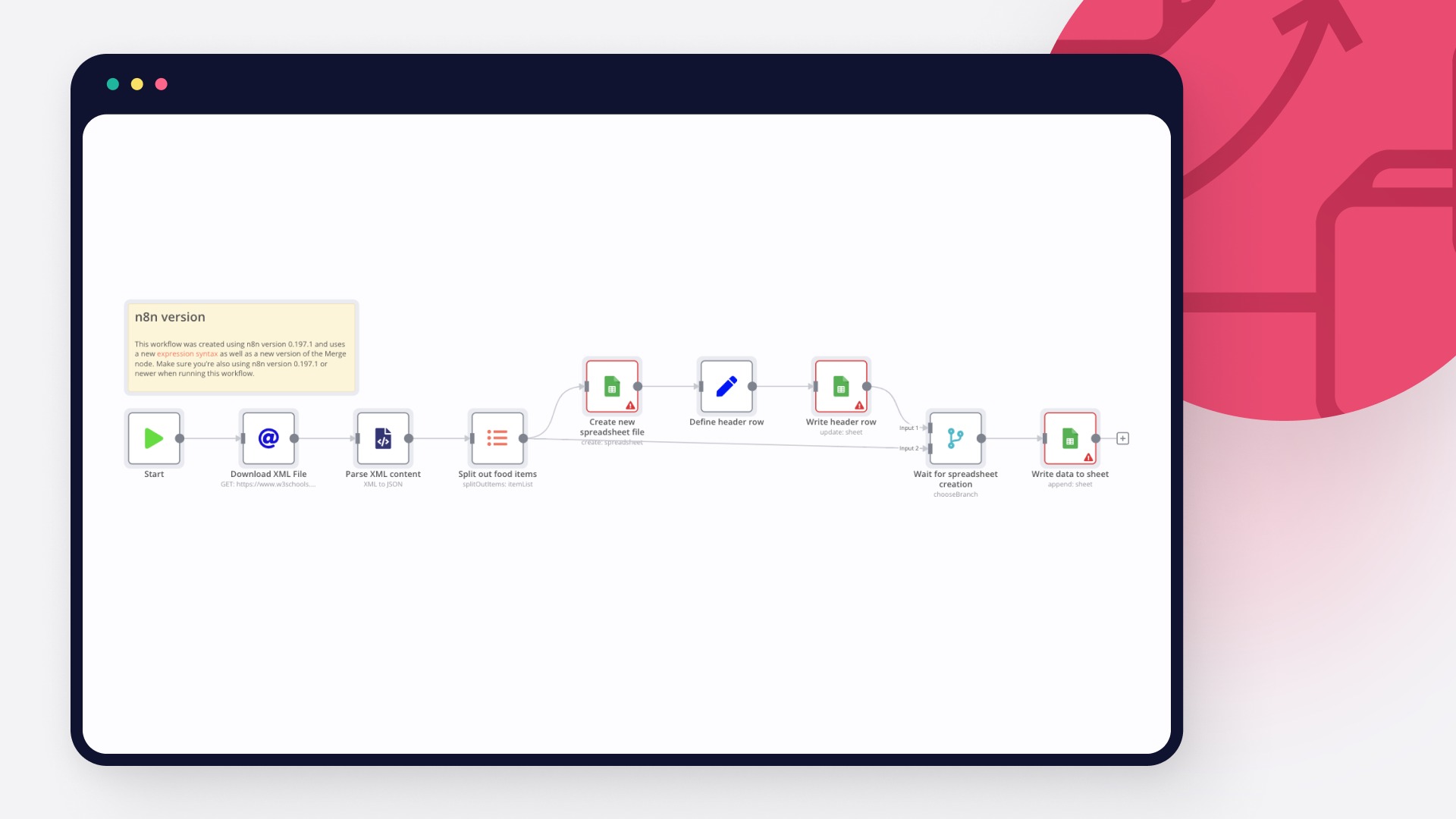
How to import XML to Google Sheets: 3 step-by-step techniques
Learn three different ways to import XML to Google sheets: with Google sheet’s IMPORTXML function, with Google AppScript and automation with n8n.

How to pull data from Google Spreadsheet to HTML: Code and no code approaches
Learn how to pull data from Google Spreadsheet to HTML using Google Apps Script and n8n automation tool.

How to connect Google Sheets to MySQL: Code and no-code methods
Discover two ways to connect MySQL with Google Sheets, and learn to build no-code workflows for automating it.

How to automatically import JSON into Google Sheets
Discover three ways to import JSON data into Google Sheets or a CSV file, and five no-code workflows for automatically moving data between JSON and spreadsheets.
FAQs
FAQ
Can Google Sheets connect with Retable?
Can I use Google Sheets’s API with n8n?
Can I use Retable’s API with n8n?
Is n8n secure for integrating Google Sheets and Retable?
How to get started with Google Sheets and Retable integration in n8n.io?
Need help setting up your Google Sheets and Retable integration?
Discover our latest community's recommendations and join the discussions about Google Sheets and Retable integration.

Google Sheets Action is not picking up a list of available Sheets despite seeing the document itself
Sergey Komardenkov
Describe the problem/error/question I am testing a workflow where the final action is addition of a row into a Google sheet. I have created a new sheet, I gave it Edit permissions by link just in case, and of course I ad…

The prompt is not being executed
sérgio eduardo floresta filho
Hello! My goal is to use Google Forms to collect information from my clients and then use n8n to automate the processing of this information. My workflow involves: Collecting data through Google Forms. Using n8n to re…

Sending timestamp to Google Sheets with correct timezone
Julian
I’m trying to send a timestamp to a Google Sheet. Therefore, I use the expression $now.format(“HH:mm”).toString(). In n8n, the timestamp looks correct (see screenshot). However, in Google Sheets, the string value is …

Filtering rows in google sheets with empty value in specific colum
therealJMT
Describe the problem/error/question edit: I guess I figured it out. The “isEmpty()” is a boolean function and has no output it just checks in the node if it’s true or not. For my workflow I got it running with a setup th…

Error 400 | Google | n8n inserting too many characters in OAuth Redirect URL
Guilherme
Hello everyone, I’m having a problem logging into my Google account when I’m creating a credential for Google Sheets. :warning:Error 400: redirect_uri_mismatch I noticed that n8n is inserting an extra character in t…
The world's most popular workflow automation platform for technical teams including





Why use n8n to integrate Google Sheets with Retable
Build complex workflows, really fast
