See llms.txt for all machine-readable content.
Integrate Postgres with 2,000+ apps and services
Unlock Postgres’s full potential with n8n, connecting it to similar Development apps and over 2,000 other services. Automate productivity workflows by scheduling tasks, managing project timelines, and tracking progress across platforms. Create adaptable and scalable workflows between Postgres and your stack. All within a building experience you will love.

Create workflows with Postgres integrations
772 integrations












Popular ways to use the Postgres integration
Generate Instagram content from top trends with AI image generation
Automate restaurant customer service with WhatsApp and Llama AI chatbot
AI agent for realtime insights on meetings
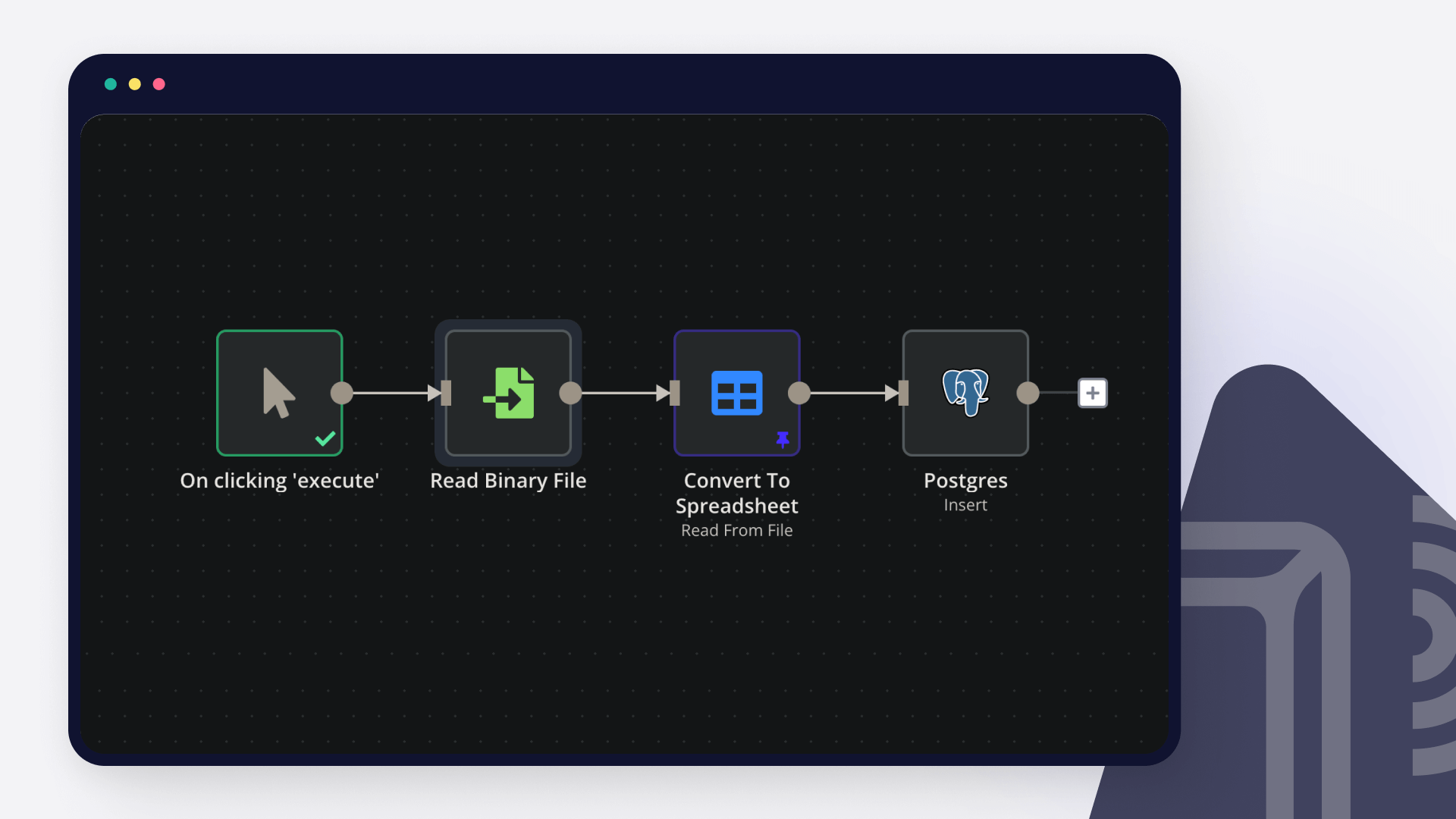
Insert Excel data to Postgres
WordPress - AI chatbot to enhance user experience - with Supabase and OpenAI
🤖 Advanced Slackbot with n8n
AI-powered lead generation with Apollo, GPT-4, and Telegram to database
Process multiple media files in Telegram with Gemini AI & PostgreSQL database
Local document question answering with Ollama AI, Agentic RAG & PGVector
Supported actions
| Delete | Delete an entire table or rows in a table |
|---|---|
| Execute Query | Execute an SQL query |
| Insert | Insert rows in a table |
| Insert or Update | Insert or update rows in a table |
| Select | Select rows from a table |
| Update | Update rows in a table |
About Postgres
Postgres, or PostgresSQL, is a free, open-source tool that helps you emphasize extensibility and SQL compliance. It is an advanced object-relational database that provides high performance, reliability and feature robustness.
Related categories



Trusted by teams building smarter workflows.


Connect Postgres with your company’s tech stack and create automation workflows

FAQ about Postgres integrations
Need help setting up your Postgres integration?
Discover our latest community's recommendations and join the discussions about Postgres integration.
 Open topic
Postgres node IN operator with parameters
Mikhail Savenkov
Describe the problem/error/question Postgres node is not working with IN Operator when the parameters is an Array. I suppose that’s because of the sanity checks. E.g. I have a list of some workflows that I’m returning v…
 Open topic
Passing an array as query parameter in Postgresql
Honza Pav
Hello, I have a follow-up question related to a topic that has been discussed but is closed: Postgres use array as a query parameters I want to pass an array into a Postgresql query as a query parameter. Ideally, I woul…
 Open topic
Issue with AI Agent not reading full PostgreSQL data
CrizCJK
Hello everyone, I’m running into an issue with PostgreSQL in n8n that I can’t figure out. My PostgreSQL database has about 20,000 records of sales and stock data. The problem is that my AI Agent doesn’t seem to read th…
 Open topic
Postgresql Insert error parsing ISO format string
Thạch Vũ Ngọc
I using Postgresql Insert node, but it error when column type is timestamp I have the input date in ISO 8601 date string format and I keep getting an error. What is the error message (if any)? Input of Insert node O…
 Open topic
Pass dynamic perameters to postgres_SQL node query
Shazim Ali
hi i am new to n8n basically i have build a chat bot, which is created query on the base of question, but sometime AI based queries are failed to give accurate result, so i have created sql function in vector database, t…

I have found the holy grail of automation.
Luisa Vidal 
n8n’s integration with third-party services is absolutely mind-blowing. It’s like a Swiss army knife for automation.
Felix Leber 
Anything is possible with n8n. I think the cloud version is great, they are doing amazing stuff.
Robyn Tindall 
Thank you to the n8n community. I did the beginners course and promptly took an automation WAY beyond my skill level.
Charley Mann
Simple enough to
understand + sophisticated
enough to ship
