See llms.txt for all machine-readable content.
n8n MCP serverBuild + update n8n workflows from inside your AI app
No more copy-paste. Simply tell Claude, ChatGPT, or your IDE what you want to build, and get a ready-to-run workflow in minutes — built directly in n8n.
*Get started by enabling MCP
Over 200k Github stars
Self host-able
SOC2 compliant
AI agents and workflows for technical teams at


Before n8n MCPBuilding workflows with AI used to be copy, paste...and pray
JSON files that fail
You copy-paste workflow JSON that AI created into n8n. It breaks. Deprecated options. Missing parameters. Hallucinations. A mess.
AI blindness to what breaks
AI makes a small edit — and something else breaks. With no way to see the live workflow state, AI can’t verify its changes. “I need to rewrite the SDK” isn’t what you signed up for.
Debugging in the dark
Without access to workflow logs, figuring out why they failed becomes a forever loop. You give AI the error messages, manually apply the changes, and re-run—until you give up.
After n8n MCPNow you can go right from prompt to ready-to-run flow
The n8n MCP server connects your n8n instance to any AI app or IDE that speaks MCP. So you can build, edit, and test workflows inside n8n with AI, using natural language alone.
Included on all n8n plans
Maintained by n8n
No 3rd parties
Workflows that work, in a matter of minutes
Once you’ve connected your AI MCP client to n8n, simply tell it what you want to build. It will create the workflow, validate it, and fix it all by itself if it breaks.
Works with the AI you already use
Claude, ChatGPT, Gemini, or Cursor. If your AI supports MCP — and they basically all do — you can build workflows with them directly inside n8n. Endless copy-paste is a thing of the past.
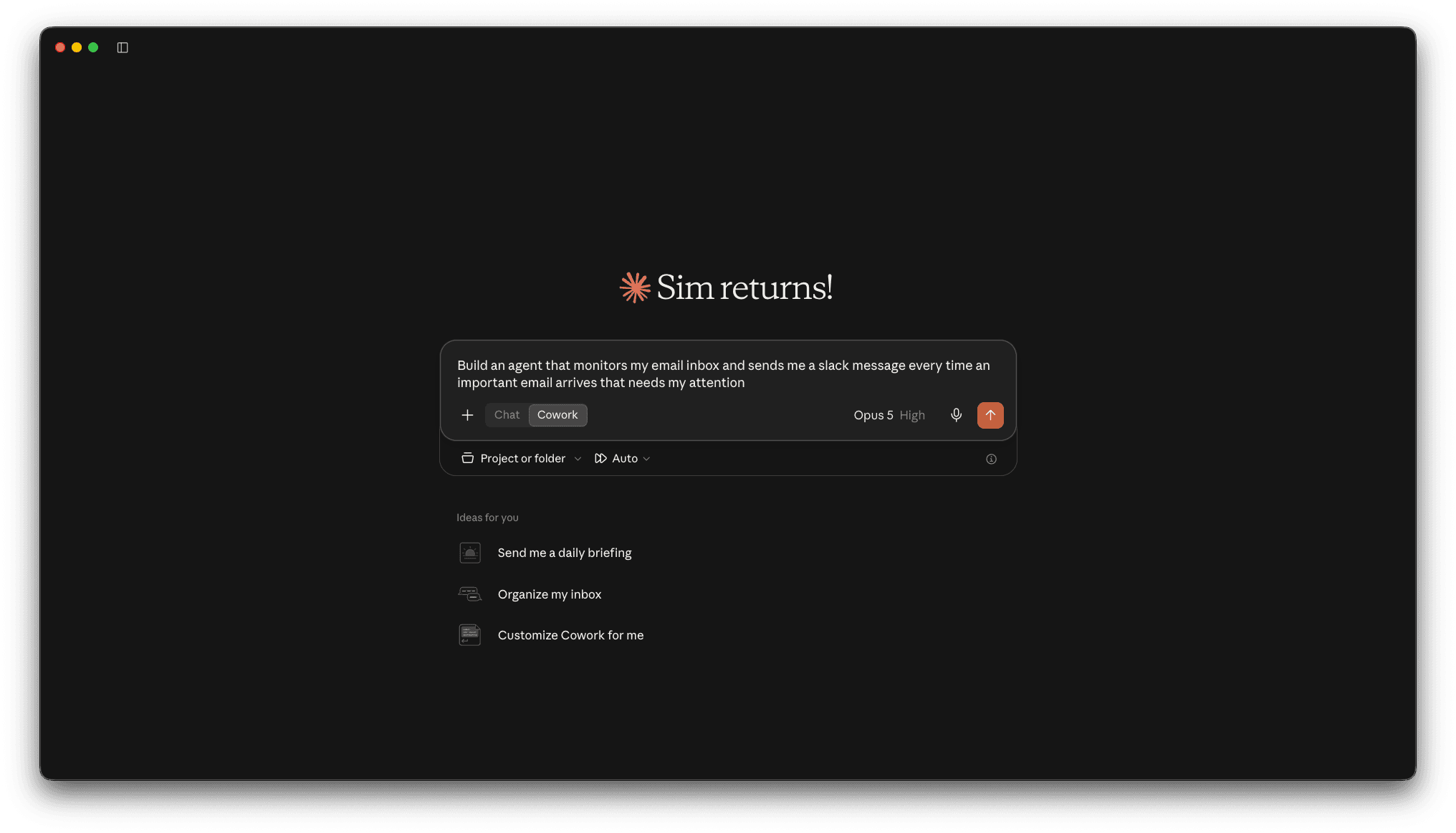
Fix workflows without switching tabs
Live access to your n8n instance allows AI apps to understand, audit, and improve your workflows. So when a workflow fails, your AI reads the actual execution logs — and fixes the bug. No tab dancing necessary.
Use n8n best practices to build better workflows
Add n8n’s official skills to your AI app, and it reviews them before starting to build. So it takes AI less time — and costs you fewer tokens — to get it right.
Enabling the n8n MCP serverHow to connect your AI app to n8n
First, enable MCP in your n8n instance. Then, add the MCP server to your AI app.
The exact process for connecting each AI tool to n8n via the MCP is different.
For per-tool instructions, check out the full MCP Setup Guide.
Here are the basic steps for Claude (the most popular app for n8n’s MCP server):
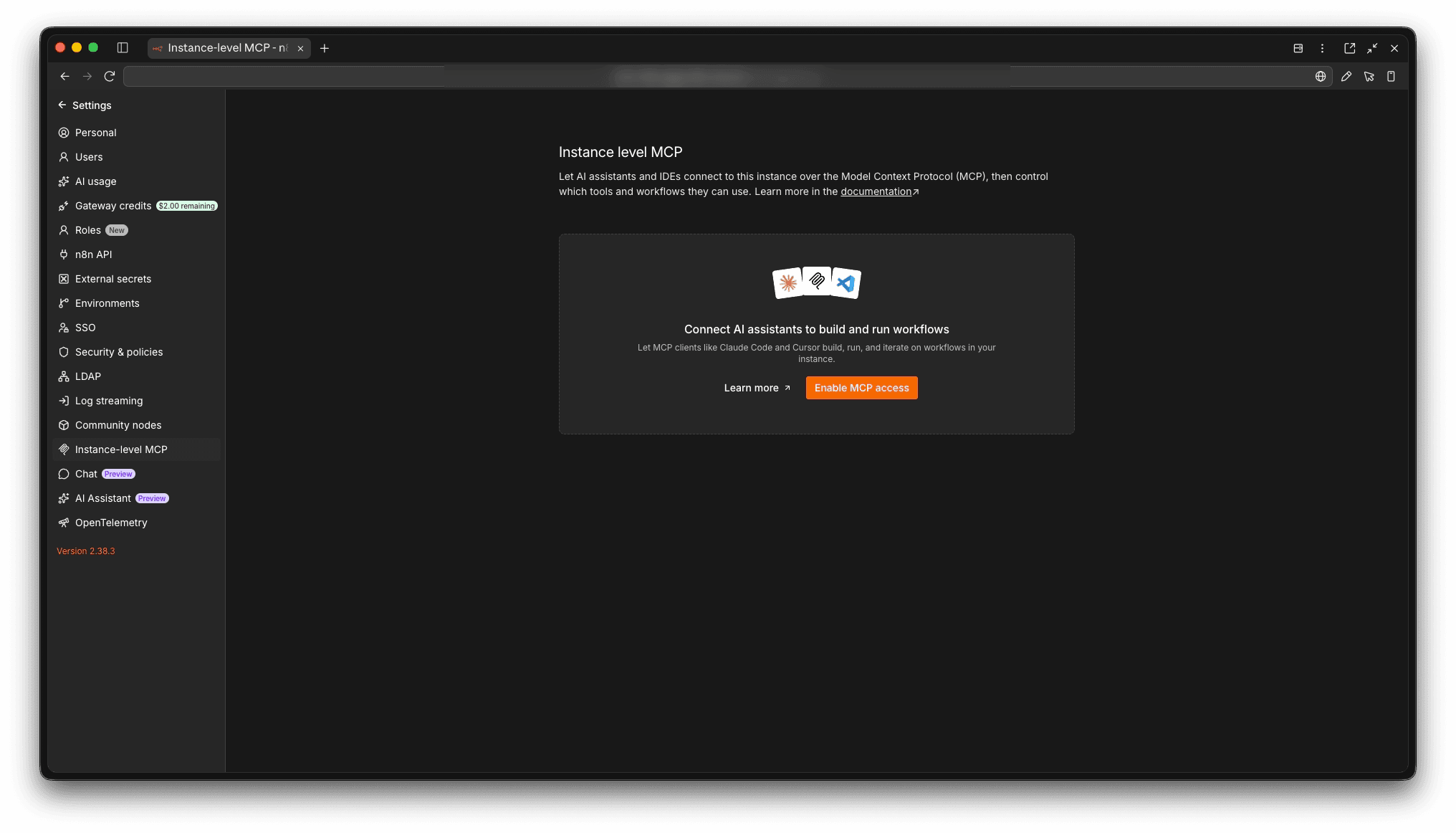
1. Enable MCP access
Navigate to Settings > Instance-level MCP. Then toggle Enable MCP access
n8n MCP integrationsCreate n8n workflows from wherever you prompt
n8n MCP server integrates with all the most popular AI tools.




Example MCP workflow promptsSimple sentences. Sophisticated workflows.
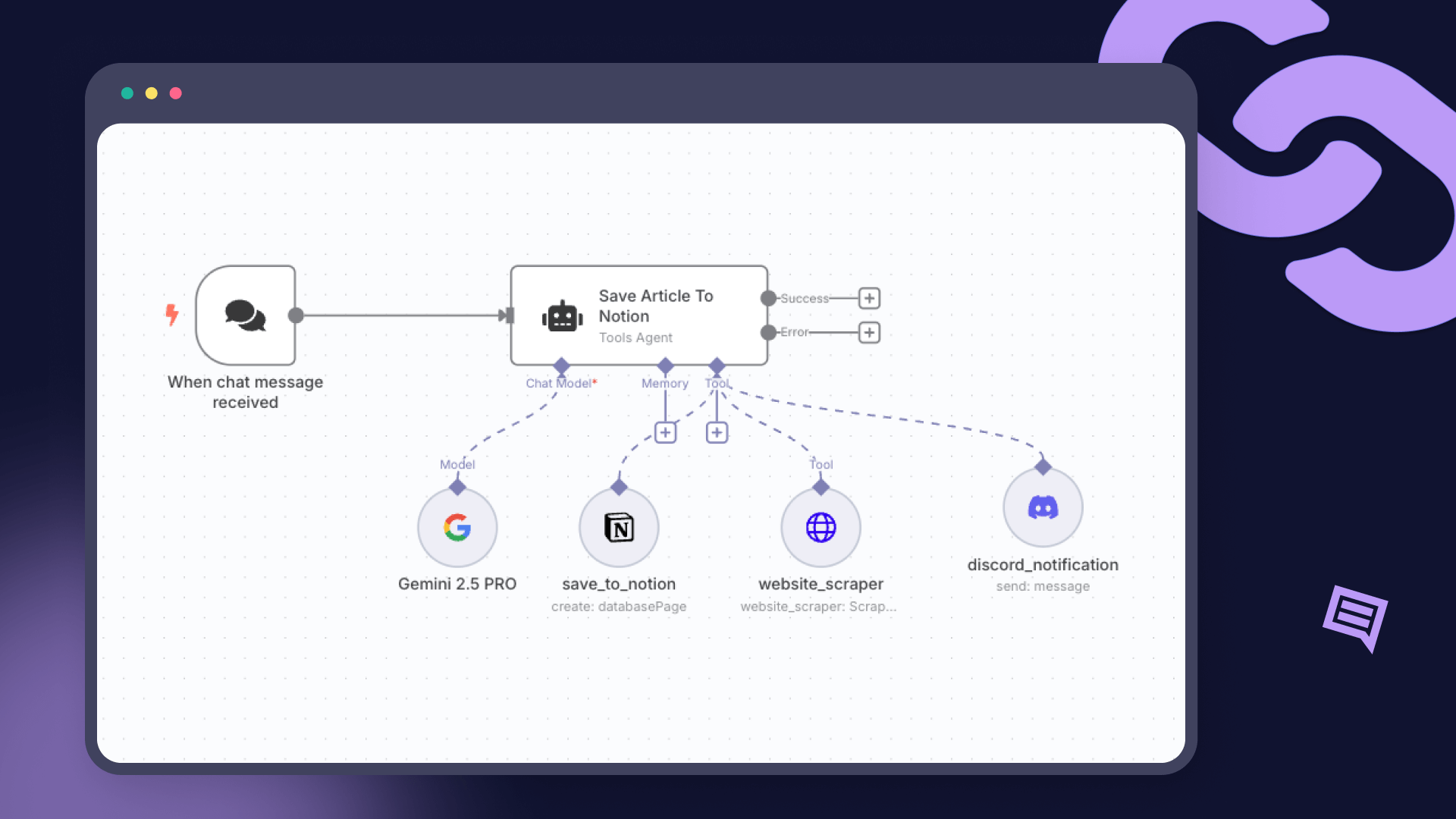
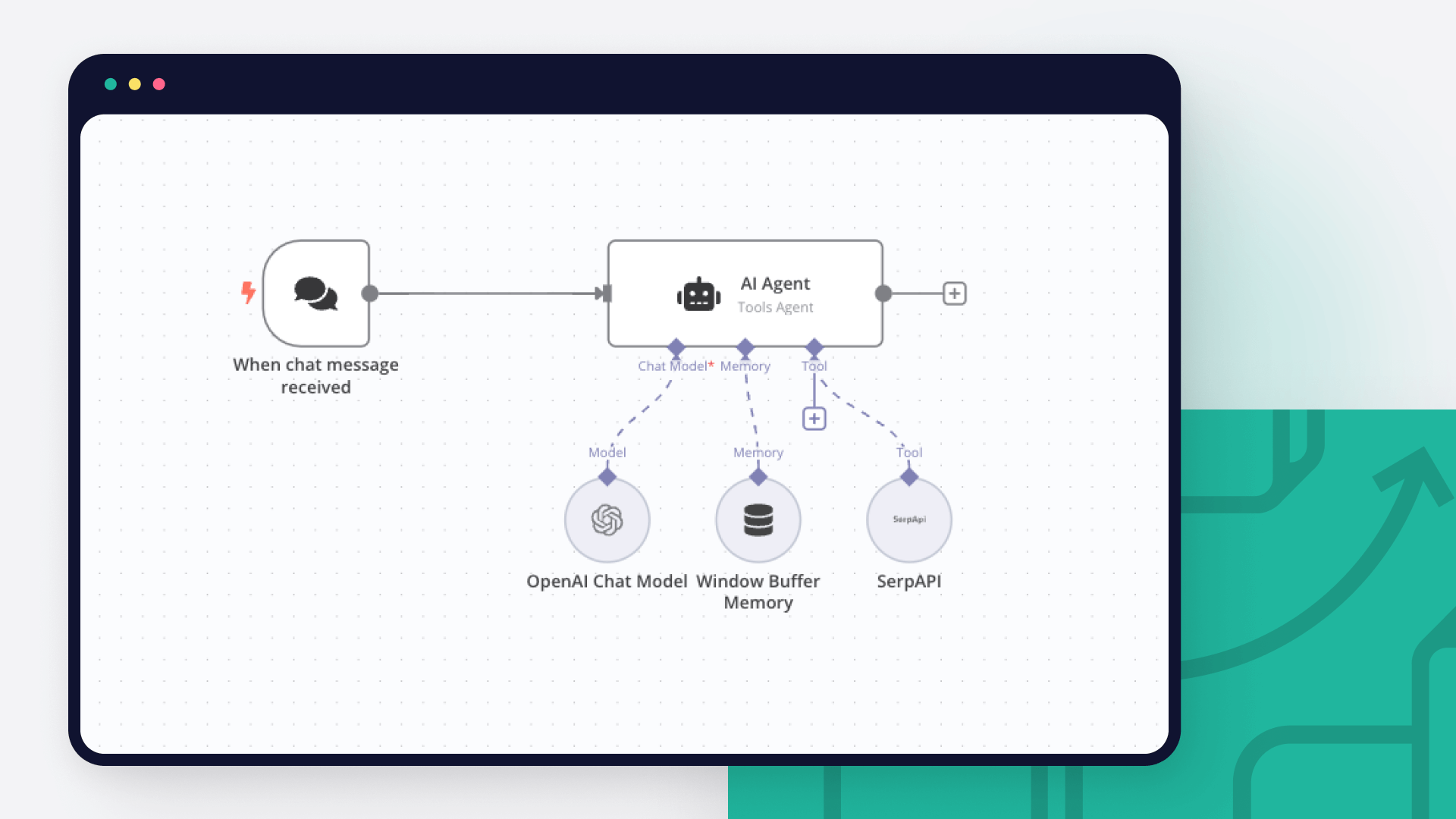
Here are just a few ideas of what you can build with the official n8n MCP.
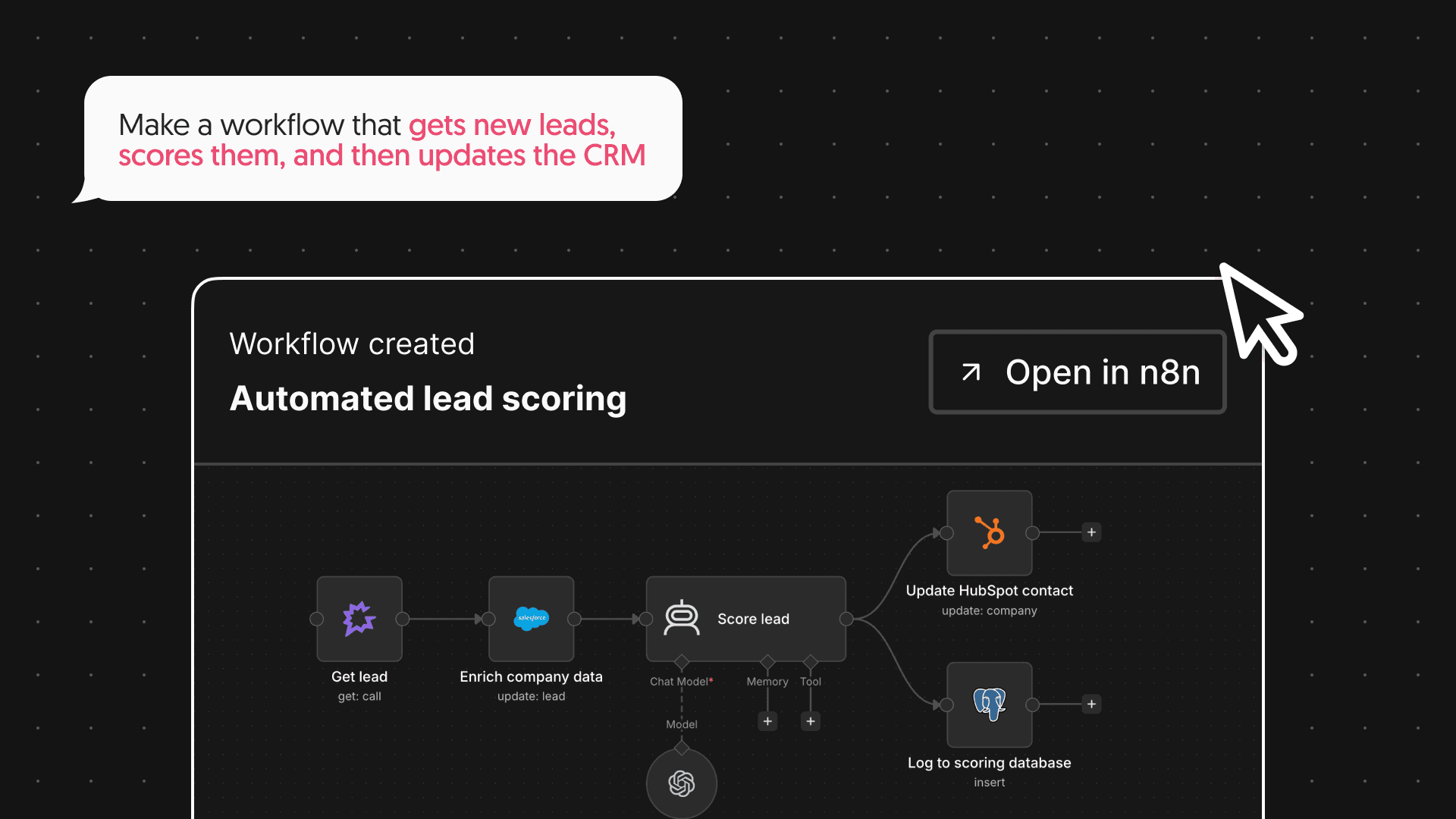
David, Sales
David built a workflow that gets new leads, scores them, and then updates the CRM.
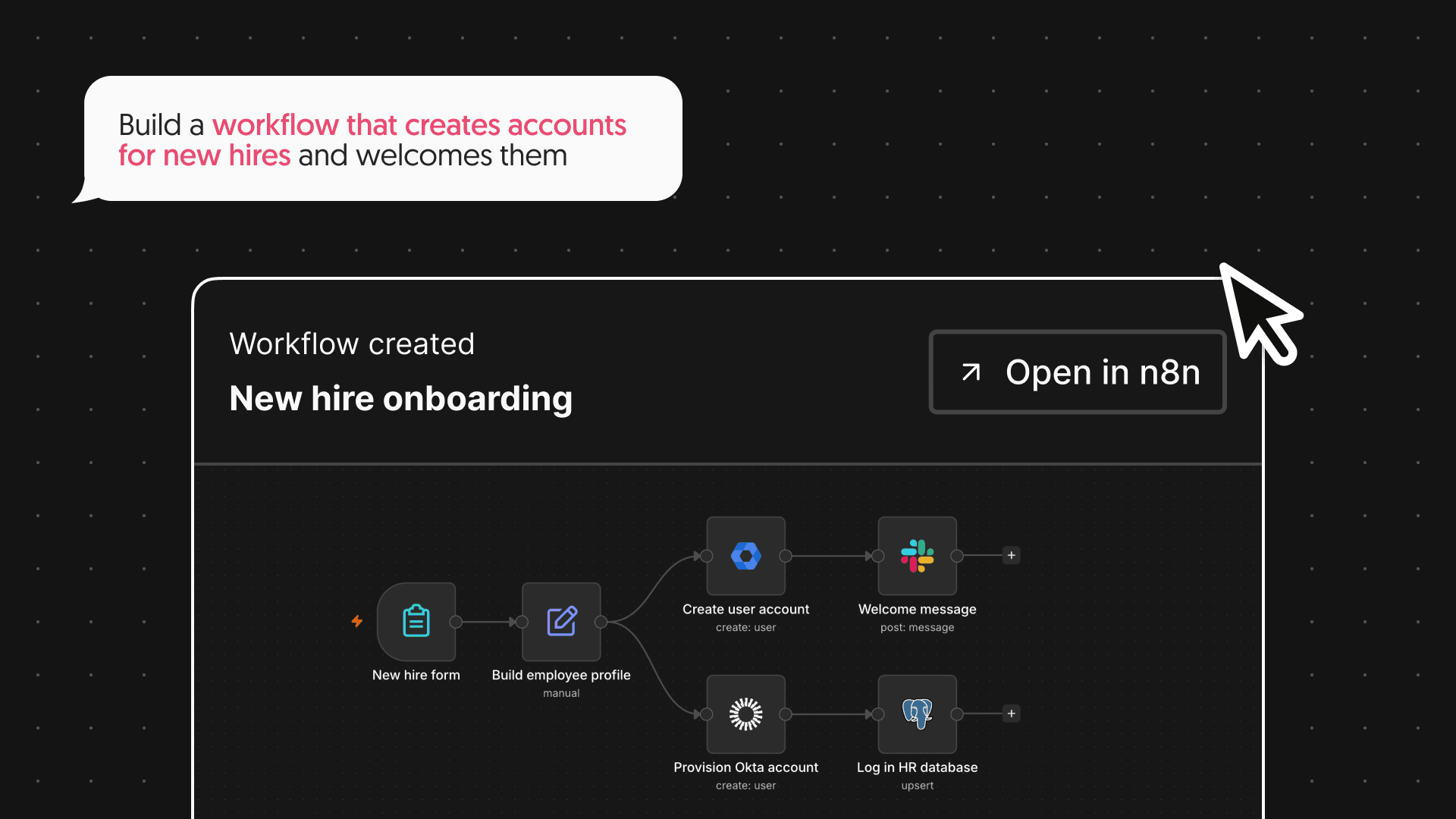
Claudia, HR
Claudia built a workflow that creates accounts for new hires and sends them a welcome message.
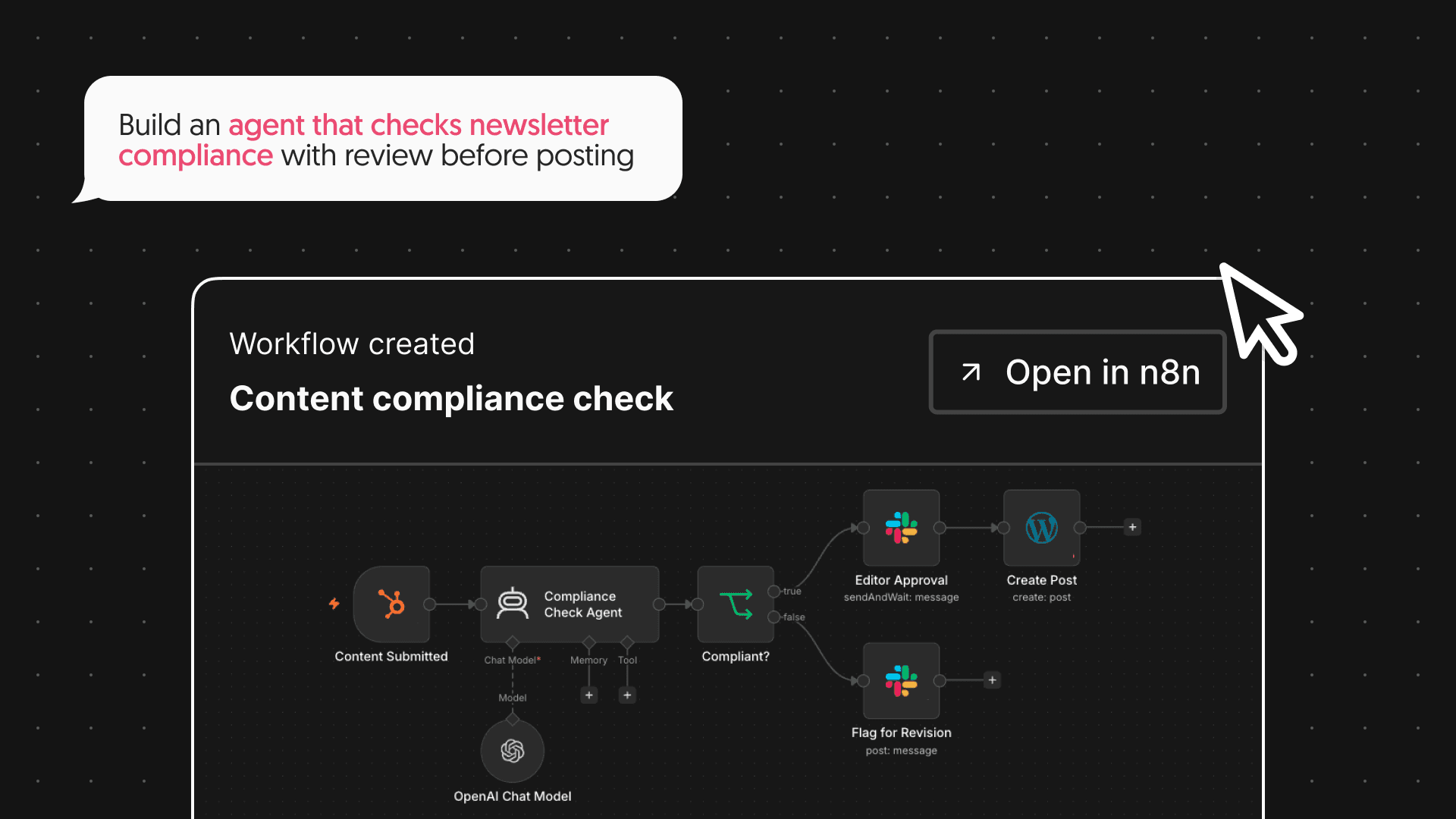
Luis, Marketing
Luis built an agent that checks newsletter compliance with review before posting.
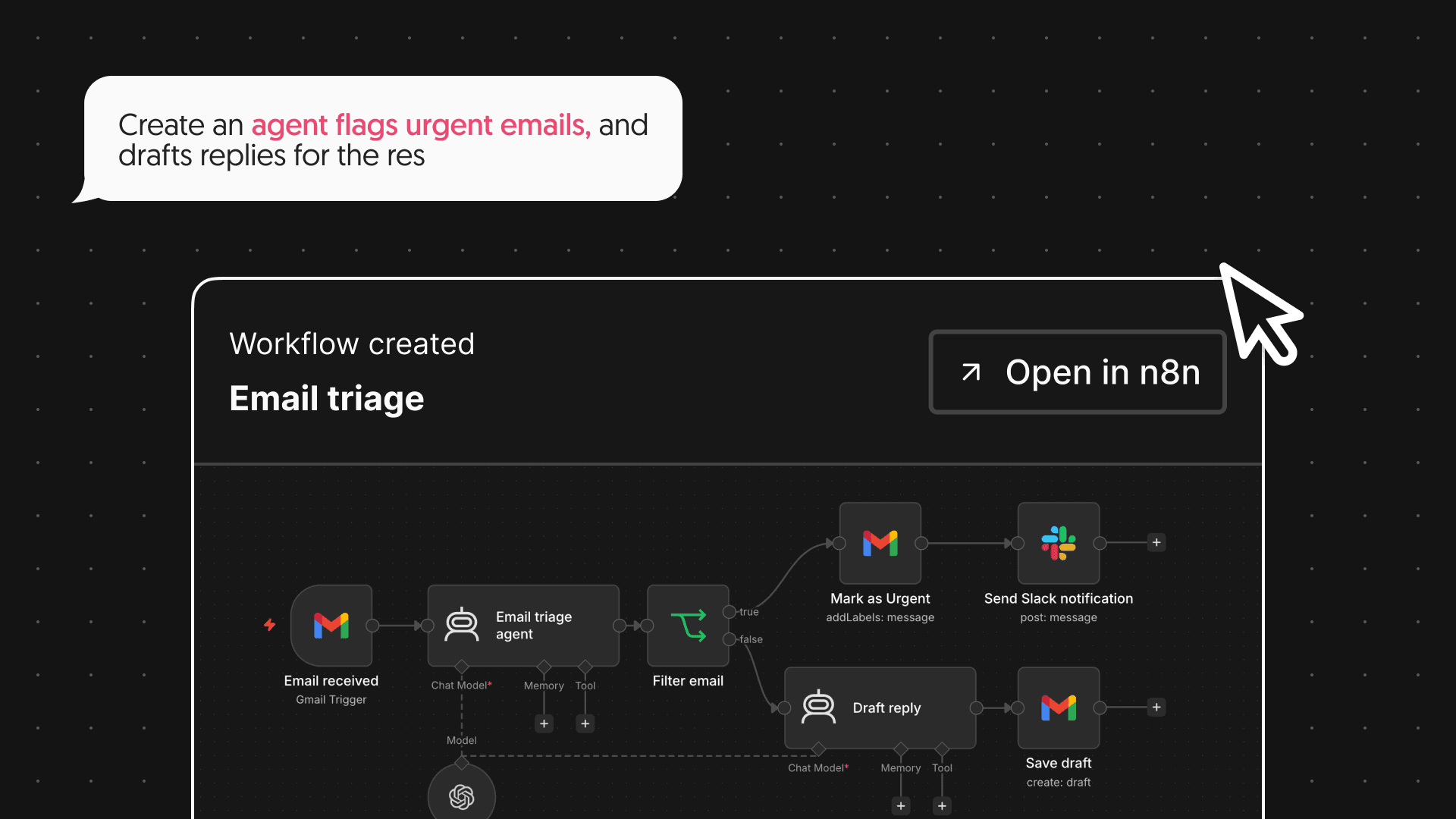
Nikki, Small Business Owner
Nikki created an agent that flags urgent emails, and then drafts replies for the rest.
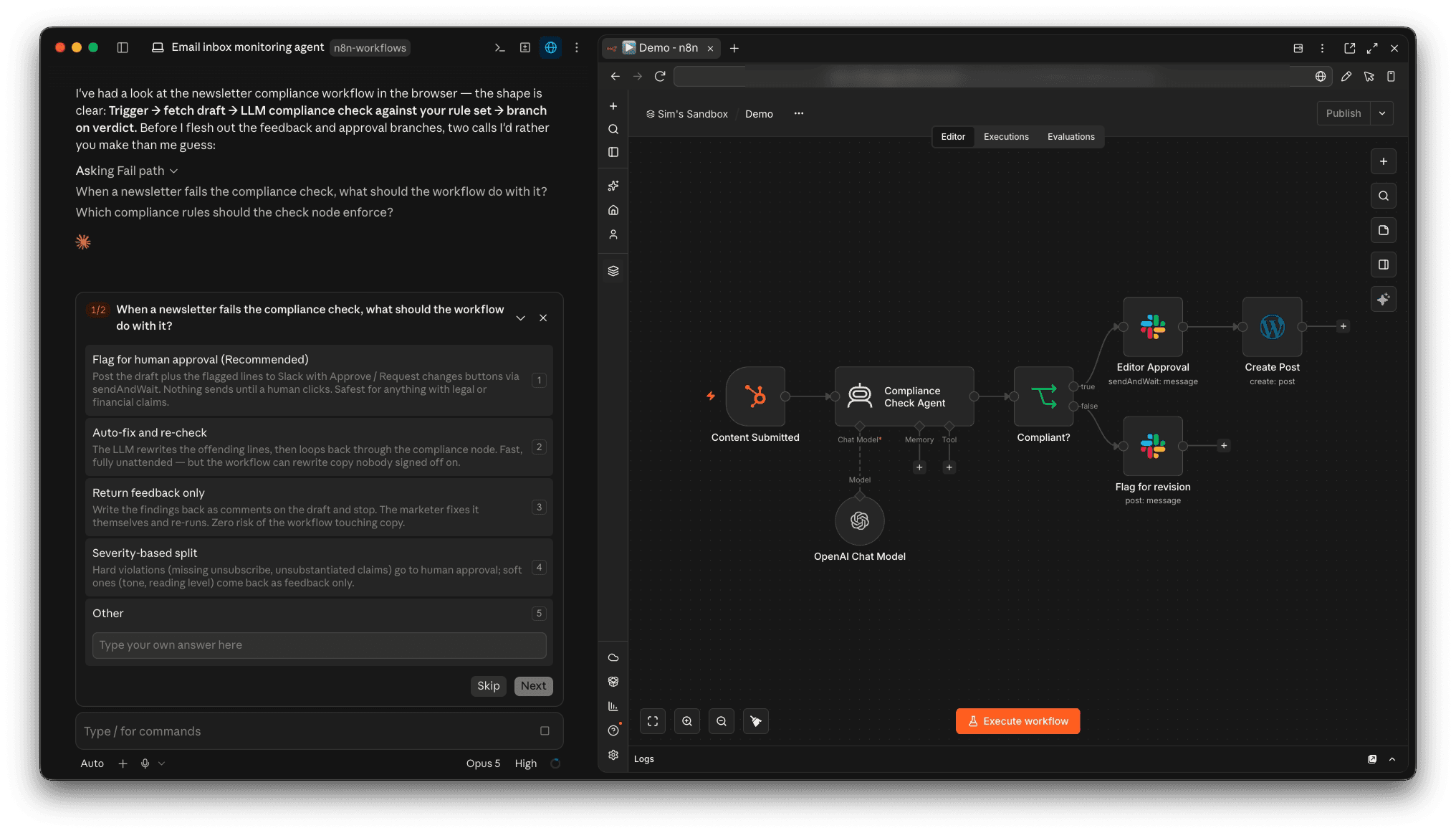
How does the n8n MCP server work?Workflows built + tested while you wait
You can do more with the MCP server than create and update workflows. It also comes with tools for validating workflows, running tests, and generating test data.
Here’s what a common flow looks like:
n8n instance MCP video tutorialsStill building by hand? Let AI workflow its magic instead
See how to get started with creating and editing n8n workflows with your favorite AI tools.
Create n8n Workflows With Agents | Official MCP
This video shows how to integrate n8n with coding agents using the official MCP. The guide covers setting up connectors within Claude Desktop and OpenCode, configuring system prompts for workflow automation, and managing credentials to set up direct interaction between LLMs and n8n instances.

I Don't Build Workflows Anymore | n8n MCP Live Build
In this video, I show the process of "vibe coding" a Slack-based workflow reviewer via Claude Desktop’s integration with n8n’s MCP. See how to go from technical planning to a production-ready system while managing agent interactions and error handling throughout the development cycle.
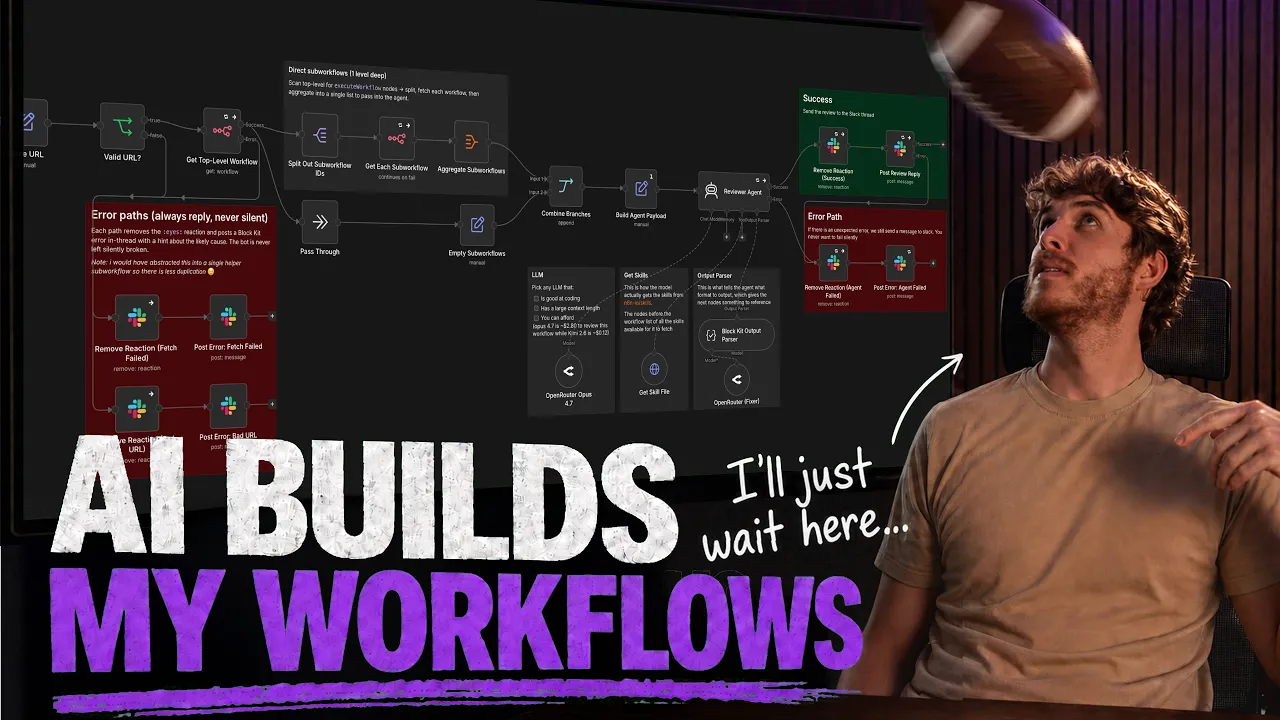
The Creator of n8n's MCP Shows You How to Actually Use It (3 Live Builds)
The creator of n8n’s MCP, Milorad, shows you what you can do with the MCP by building three distinct workflows. These examples show how to go from simple deterministic tasks to creating complex AI-orchestrated systems.
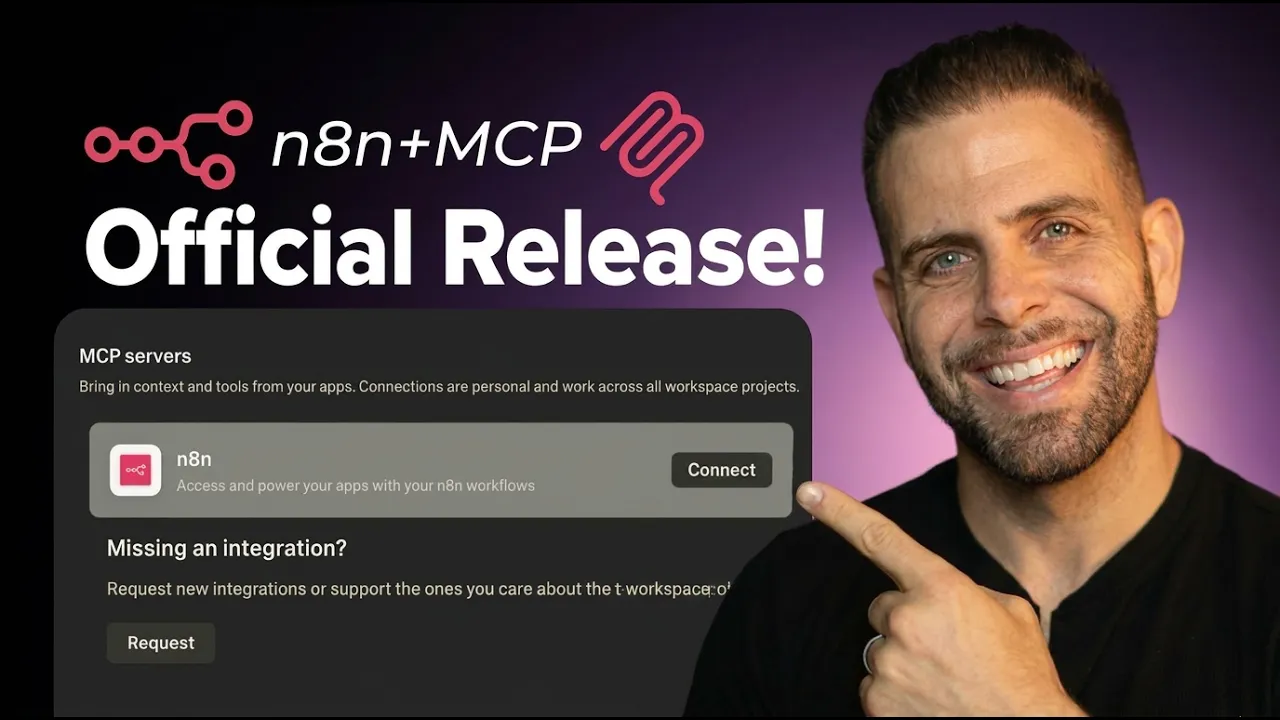
NEW n8n Skill for Claude Code!
In this video, Leonardo installs the n8n Skills plugin inside Claude Code, wires up the instance-level n8n MCP with its OAuth URL and access token, and then describes a simple workflow in plain English while Claude builds it for him.

From the blogMCP guides to get you going

FAQs