Back to Templates


This workflow automates the conversion of 2D images into high-quality 3D models (.glb format) by integrating Google Sheets with the Hunyuan3D v2 model on Fal.ai. It handles the entire pipeline—from fetching image URLs to polling for completion and saving the final asset—eliminating manual modeling time for artists and developers.
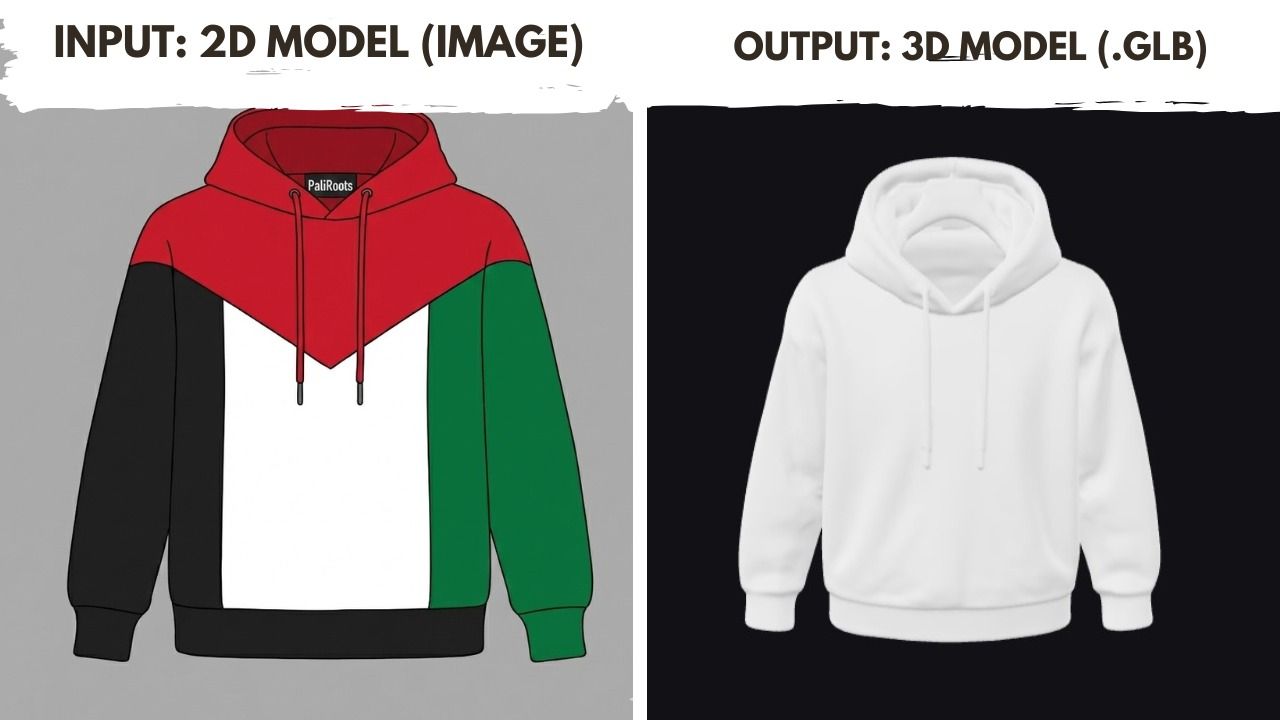
How it works
This template operates on a schedule to process images in batches or individually:
- Data Retrieval: The workflow fetches new rows from a Google Sheet where the
RESULT_GLBcolumn is empty. - AI Generation: It sends the
IMAGE_URLto the Hunyuan3D v2 API on Fal.ai to initiate the 3D generation process. - Status Polling: The workflow automatically enters a loop, checking the job status every 30 seconds until the model is marked "COMPLETED."
- Result Update: Once finished, it retrieves the download link for the
.glbfile and writes it back to the specific row in your Google Sheet.
Use Cases
- Game Development: Rapidly create prototype props and assets from concept art.
- E-commerce: Convert product photos into 3D models for web viewers.
- AR/VR: Generate background assets for immersive environments from simple 2D inputs.
Setup steps
- Google Sheet:
- Create a new sheet with two header columns:
IMAGE_URLandRESULT_GLB. - Add the images you want to convert in the first column.
- Create a new sheet with two header columns:
- Fal.ai Credentials:
- Sign up at Fal.ai and generate an API Key.
- In n8n, create a Header Auth credential with the name
Authorizationand valueKey YOUR_API_KEY.
- Configure Nodes:
- Update the Get new image and Update Result nodes to select your specific Google Sheet.
- Ensure the HTTP Request nodes are using your Fal.ai Header Auth credential.